ProductRecording and transcriptReportsAsk your meetingsMeeting statsTo-dosqatip MCPAn example reportiPhone and AndroidMac and WindowsSecurity
Use casesMeetingsBy roleEducationMedia and eventsAll use cases
PricingBlogSign inTürkçe

At the conference, keep your eyes on the stage.

Start recording when the talk begins. When the session ends, the summary, the quotes and the slides you photographed are all in one place.

300 free minutes a month, no credit card needed.

qatip is an AI note taker for conferences and events: it records talks, panels and workshops on your iPhone or Android phone and keeps going with the screen locked. A few minutes after each session you get a transcript, a summary and the quotes your template asks for, and later you can ask across every session.

Updated November 2026

Sound familiar?

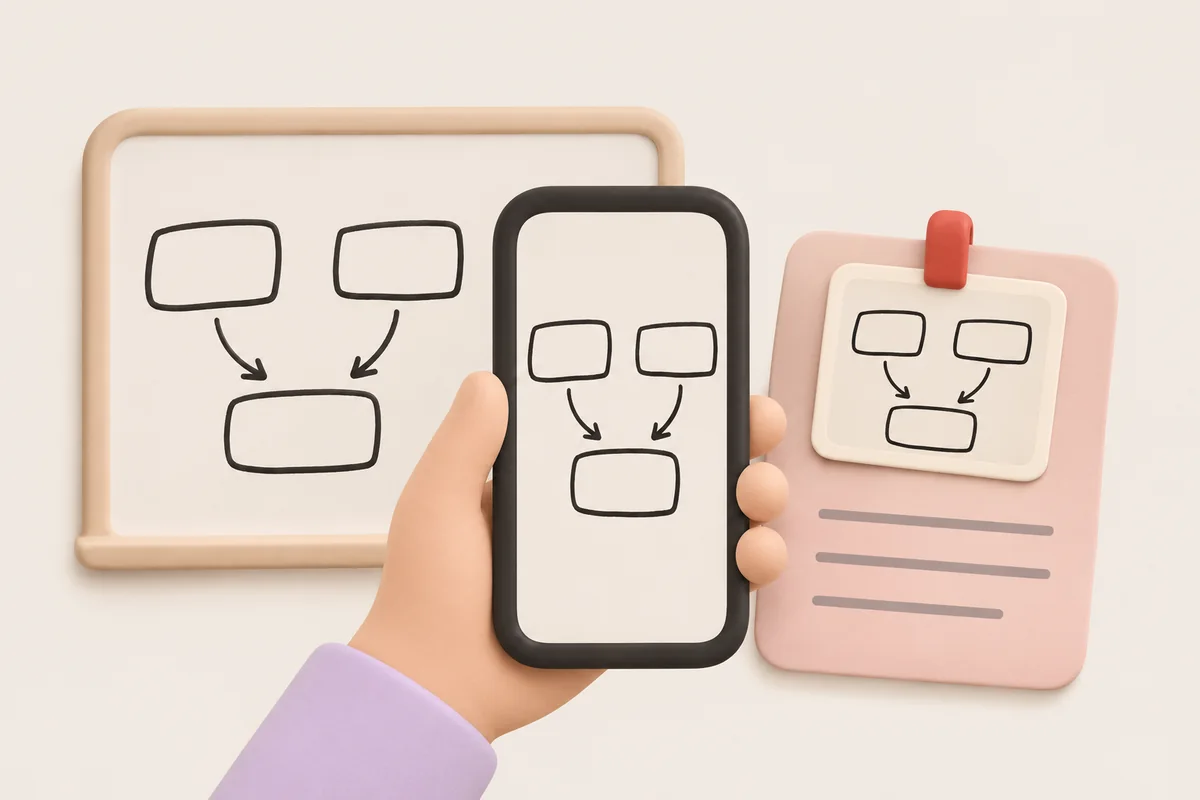
Day two, fourth session. The speaker says something you want to bring back to your team, you reach for your phone to note it down, and by the time you look up she's three slides further on. On the way home you scroll through forty slide photos with no idea which talk they belong to.

  • You note one line and miss the next three
  • Slide photos pile up with no context
  • Back at work, you can't say what you actually learned

Where it hurts, and what qatip does about it.

The problem

“It's session after session all day, and I can't write fast enough for any of them.”

In qatip Recording and transcript

Press record when the talk starts and lock the screen; the recording keeps going. Between sessions, pause or finish from the lock screen.

After: Each session is written down on its own, with who said what.

Recording and transcript

The problem

“My camera roll is full of slides and I can't tell which talk they came from.”

In qatip Notes and photos

While the recording runs, take a photo of the slide and add it to that session's notes, along with a line of your own if something strikes you.

After: Each slide sits next to what the speaker said about it.

The problem

“When I get back I'll have to write up the whole conference for my team.”

In qatip Report

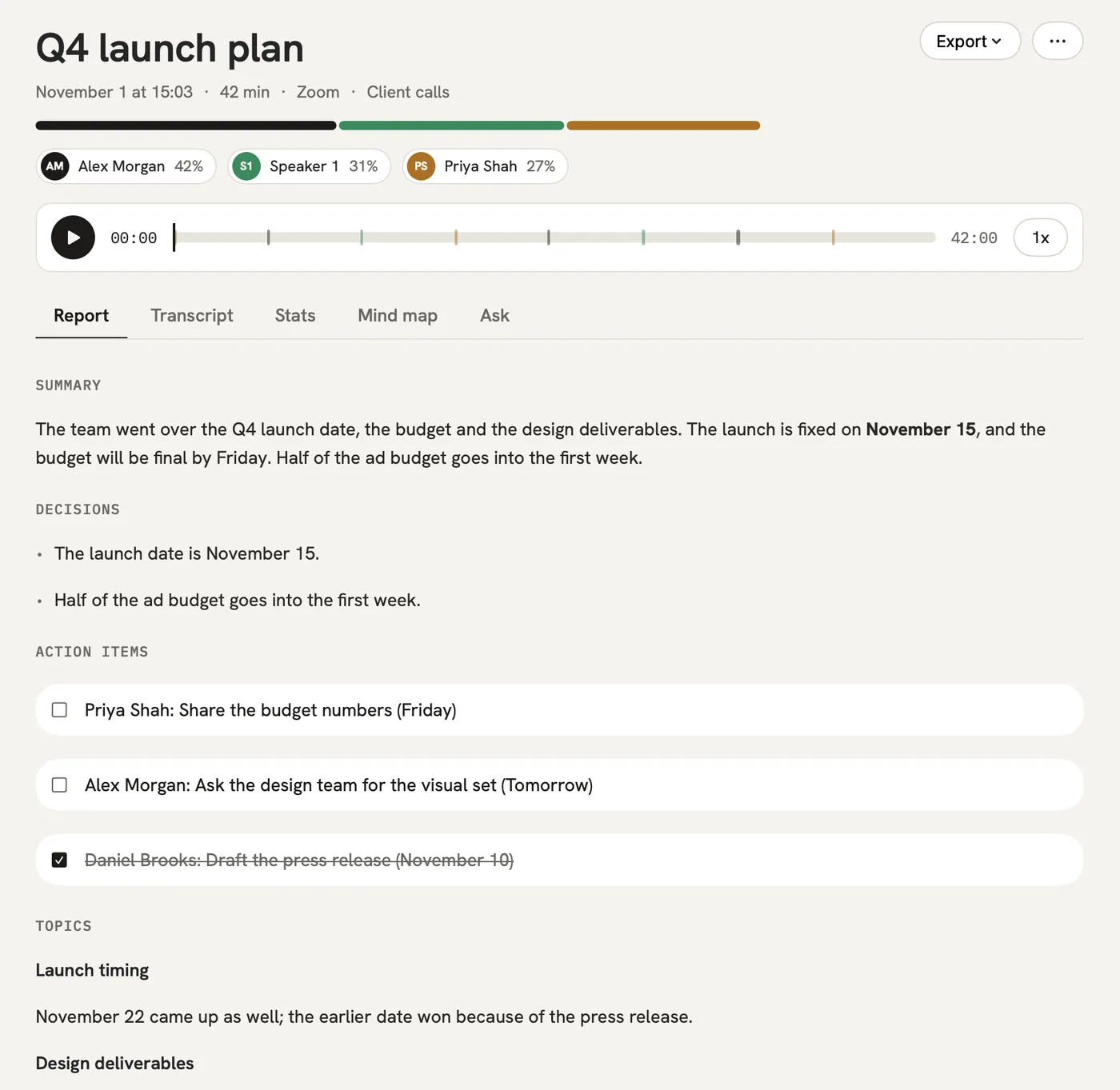
A few minutes after each session there's a report with the main ideas, the lines worth remembering and what's worth trying at work. Send it to your team by email or as a link they open without an account.

After: Your team reads the conference without you retelling it from the start.

Report

The problem

“Someone gave a number on this on day one. Which talk was it?”

In qatip Ask

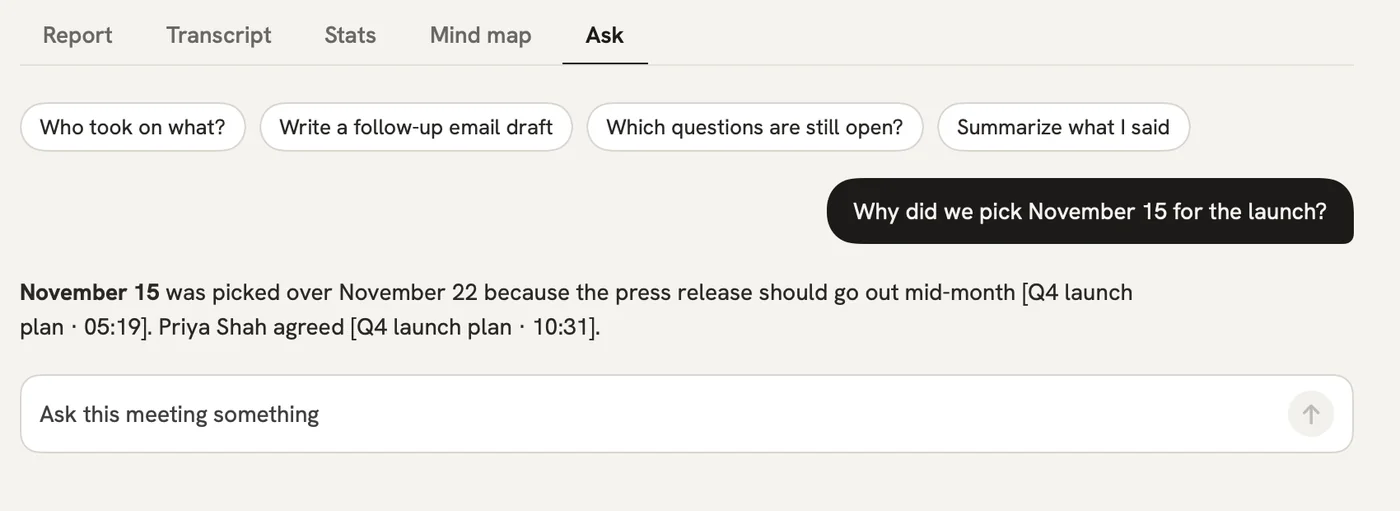
Ask in plain words across every session you recorded. The answer shows which talk it came from and the moment it was said.

After: You find it in seconds, even weeks after the event.

Ask

A report could come with these sections

  1. 01Main ideas
  2. 02Quotes from the stage
  3. 03Worth trying at work
  4. 04Speakers and resources

Every section comes from a template, and you can change it to fit your meetings.

You might be wondering

Is it OK to record talks at an event?

Check the event's rules and the speaker's first. Letting people know you're recording is up to you, and qatip reminds you before every recording.

Will the free plan cover a whole conference day?

The free plan gives you 300 minutes a month, but only the first 30 minutes of each recording are written up. Pro has 1,500 minutes a month and writes up whole recordings of up to 4 hours.

The talks are in English. Can I get the report in another language?

Yes. qatip recognises the spoken language by itself and writes the report in whichever of 8 languages you pick.

In your next meeting, just talk.

Start on the free plan, or try Pro free for 7 days. Cancel anytime.

Start free