ProductRecording and transcriptReportsAsk your meetingsMeeting statsTo-dosqatip MCPAn example reportiPhone and AndroidMac and WindowsSecurity
Use casesMeetingsBy roleEducationMedia and eventsAll use cases
PricingBlogSign inTürkçe

Everything the customer said, in one place.

By the time you hang up, you already have what they want, what they pushed back on and what you promised them.

300 free minutes a month, no credit card needed.

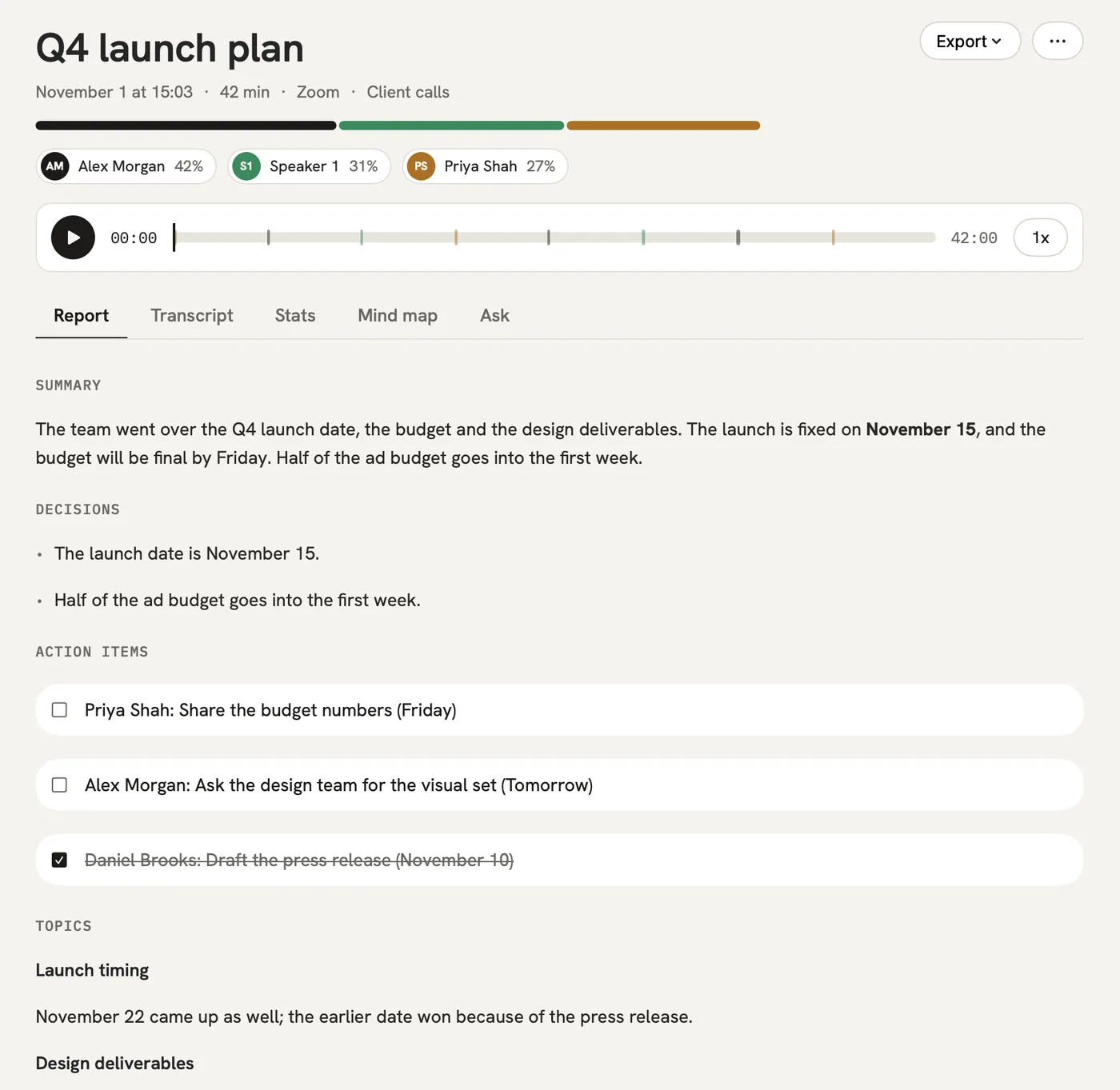
qatip is an AI note taker for sales teams: it records customer calls on your computer or phone with no bot in the meeting. A few minutes later each call becomes a report built on your own sales template: needs, objections, promises, next step. Send it to Salesforce, Notion or Slack. It runs on Mac, Windows, iPhone and Android.

Updated November 2026

Sound familiar?

The call went well. Now you're in the car, the CRM is waiting for a note, and you can't quite remember what they said about budget. A week from now, writing the proposal, you won't remember it either.

  • Taking notes on the call costs you your connection with the customer
  • The note in the CRM is half of what was said
  • An objection or a promise you made gets forgotten

Where it hurts, and what qatip does about it.

The problem

“When I type while the customer talks, it looks like I'm not listening.”

In qatip Recording without a bot

Join from your computer or your phone and press record. No bot joins the call, so the customer only ever sees you.

After: Your attention stays on the customer.

Recording without a bot

The problem

“I mix up the objections and the promises afterwards.”

In qatip Your sales template

Set the report's sections around how you sell: what they need, objections, what you promised, next step. Every call comes out with those sections.

After: When you write the proposal, what to watch for is right in front of you.

Your sales template

The problem

“Typing the call into the CRM afterwards takes half an hour.”

In qatip Integrations

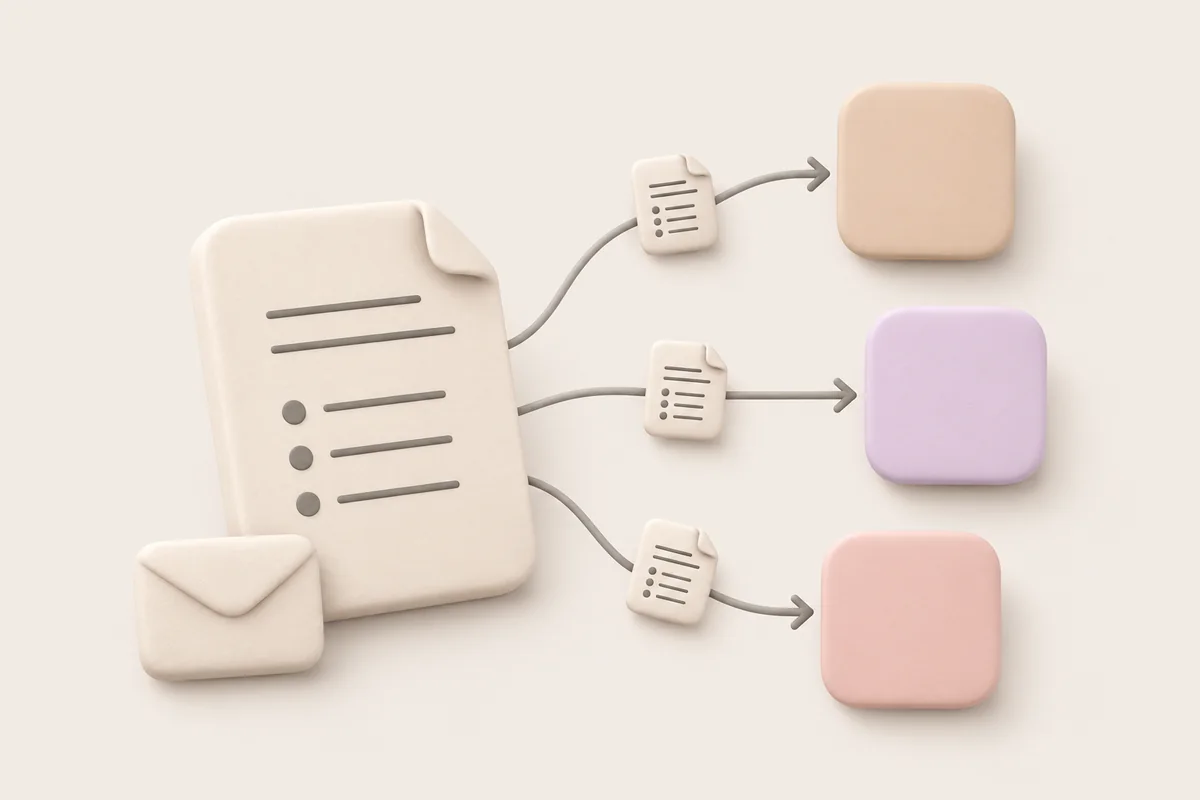
Send the report on to Salesforce, Notion or Slack.

After: You spend the time on the next customer instead of on data entry.

The problem

“What did they say about pricing three weeks ago? I can't find it.”

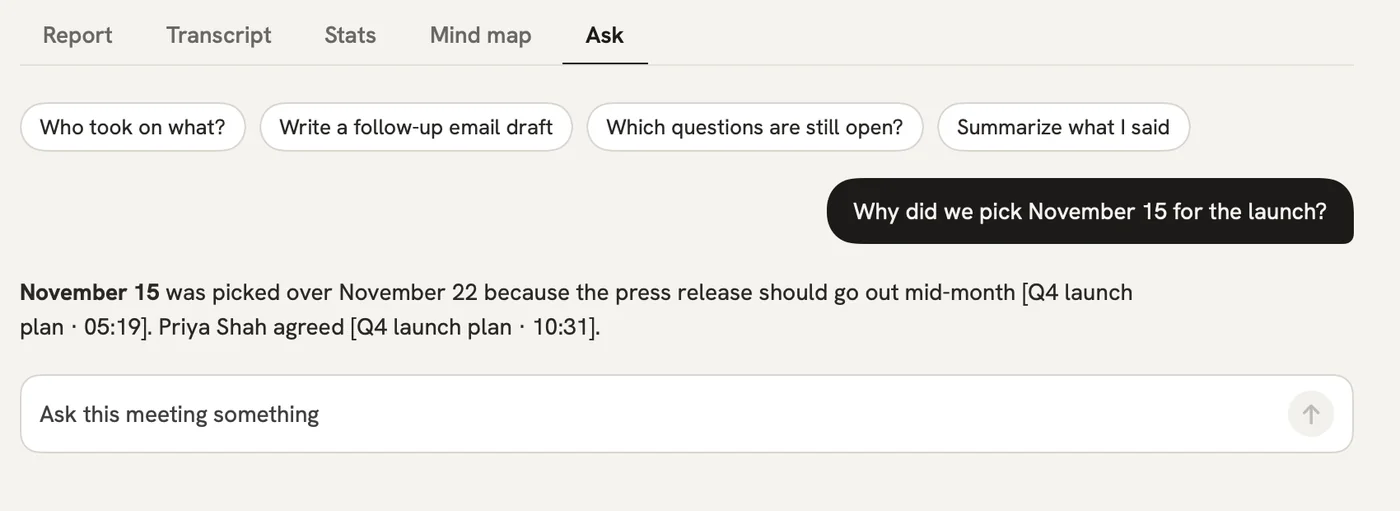
In qatip Ask

Ask what they said about pricing, and the answer comes back with that moment of the call.

After: You walk into the next call prepared.

Ask

A report could come with these sections

  1. 01What they need
  2. 02Objections
  3. 03What we promised
  4. 04Next step

Every section comes from a template, and you can change it to fit your meetings.

You might be wondering

Will the customer know they're being recorded?

They should, and telling them is up to you. qatip reminds you before you record, and the Chrome extension can post a note in the Meet chat for you.

What if the customer speaks another language?

qatip picks up close to 100 languages by itself and writes the report in whatever language your team works in.

Does qatip fill in my CRM fields?

No, it doesn't fill in fields for you. On Pro you send the report to Salesforce, Notion or Slack, and reports can go to Slack or Notion on their own after every call.

In your next meeting, just talk.

Start on the free plan, or try Pro free for 7 days. Cancel anytime.

Start free