ProductRecording and transcriptReportsAsk your meetingsMeeting statsTo-dosqatip MCPAn example reportiPhone and AndroidMac and WindowsSecurity
Use casesMeetingsBy roleEducationMedia and eventsAll use cases
PricingBlogSign inTürkçe

Listen to the lecture. qatip takes the notes.

Put your phone on the desk and press record. The summary is ready when class ends, and before the exam you can ask which lecture covered what.

300 free minutes a month, no credit card needed.

qatip is an AI note taker for students: put your phone on the desk and it records the lecture, even with the screen locked. When class ends you get the transcript and a summary, and before the exam you can ask which lecture covered a topic. It runs on iPhone and Android; online classes are recorded on Mac or Windows.

Updated November 2026

Sound familiar?

The lecturer has already moved to the next slide and you're still writing down the last sentence. When finals week comes, all your notebook has on that topic is its title.

  • Trying to write it all down, you miss what's being explained
  • Your notes are scattered across courses and notebooks
  • Before the exam you can't find which lecture covered a topic

Where it hurts, and what qatip does about it.

The problem

“The lecturer talks fast and I can't keep up.”

In qatip Recording and transcript

Put your phone on the desk and press record. It keeps going with the screen locked, and every sentence is written down.

After: You put the pen down and follow the lecture.

Recording and transcript

The problem

“Turning my notes into something I can study from takes hours.”

In qatip Report

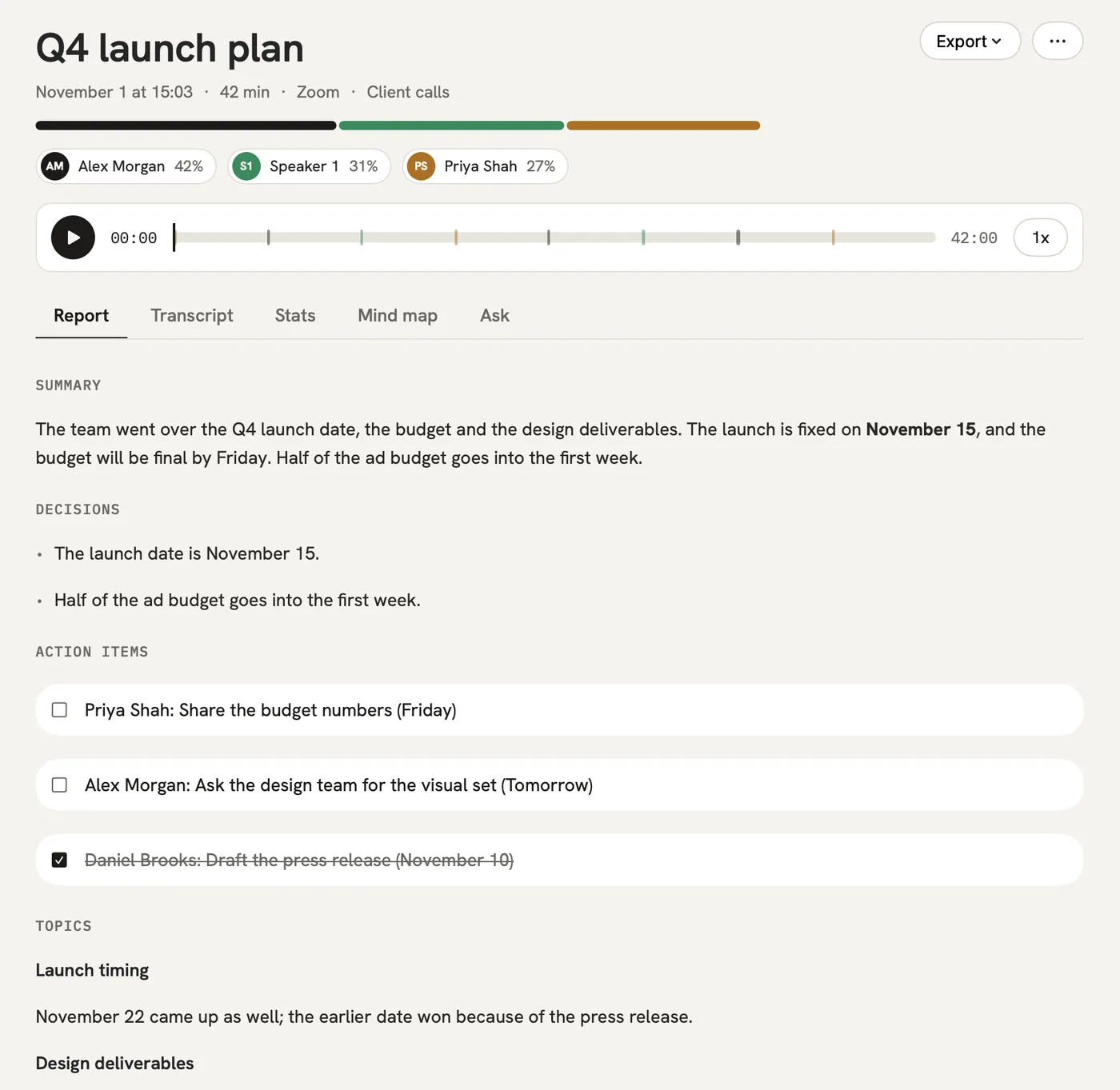
When class ends, the key ideas, the definitions and the parts the lecturer stressed are summed up in order.

After: Revision starts from the summary.

Report

The problem

“The night before the exam I'm hunting for the lecture that covered one topic.”

In qatip Ask

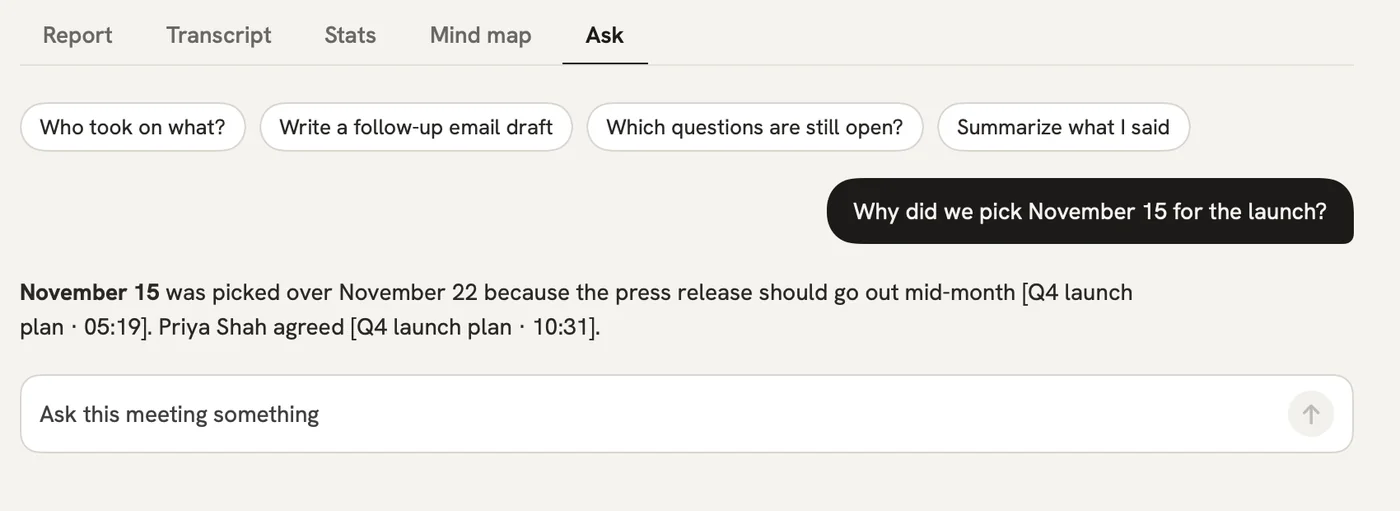
Ask which lecture covered the topic, and qatip finds the lecture and the moment.

After: You spend the night studying instead of searching.

Ask

The problem

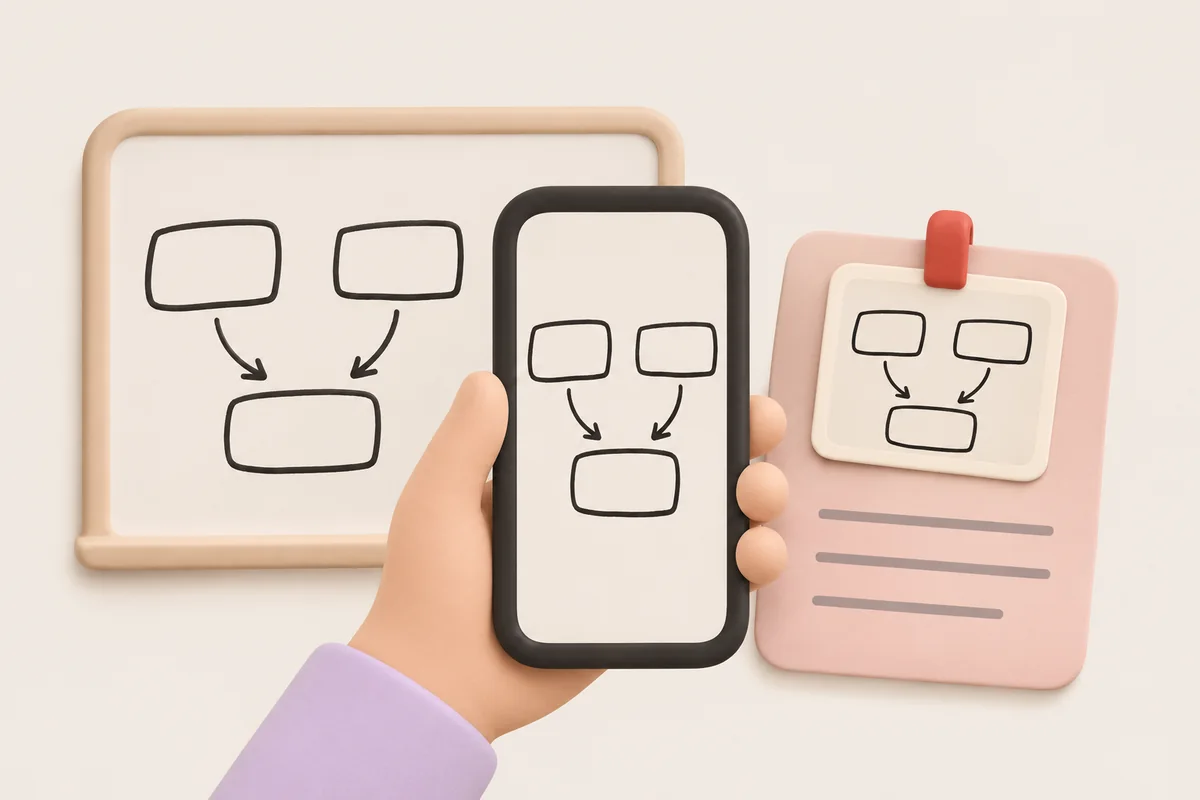
“I can't copy the diagram on the board in time either.”

In qatip Photos in your notes

Take a photo of the board or a slide and add it to that lecture's notes.

After: The diagram and the explanation sit in the same place.

A report could come with these sections

  1. 01Lecture summary
  2. 02Definitions
  3. 03What was stressed
  4. 04Questions to review

Every section comes from a template, and you can change it to fit your meetings.

You might be wondering

Is the free plan enough for my classes?

On the free plan you record 300 minutes a month, and the first 30 minutes of each recording are written up. On Pro the whole lecture is written up.

Do I need my lecturer's permission?

Check your school's and your lecturer's rules; asking before class is the right thing to do. qatip reminds you before every recording.

Can I record online classes too?

Yes. The Mac and Windows apps record Zoom, Google Meet or Teams classes from the computer's own sound, and the Chrome extension records them in the browser.

In your next meeting, just talk.

Start on the free plan, or try Pro free for 7 days. Cancel anytime.

Start free