ProductRecording and transcriptReportsAsk your meetingsMeeting statsTo-dosqatip MCPAn example reportiPhone and AndroidMac and WindowsSecurity
Use casesMeetingsBy roleEducationMedia and eventsAll use cases
PricingBlogSign inTürkçe

Know why you built it, even months later.

qatip writes up your customer discovery calls and stakeholder meetings, and keeps every decision next to the meeting it came from.

300 free minutes a month, no credit card needed.

qatip is an AI note taker for product managers: it records customer discovery calls on Zoom, Google Meet or Teams and stakeholder meetings in the room, without a bot joining. A few minutes later you get a transcript with speaker names and a report with decisions and to-dos. It runs on Mac, Windows, iPhone, Android, Chrome and the web.

Updated November 2026

Sound familiar?

Two months after the planning meeting, an engineer asks why bulk export got pushed out. You know there was a good reason, and that something a customer said settled it. Which customer, and what exactly they said, you can't tell them.

  • You type during discovery calls and miss the follow-up
  • Nobody can explain why an old decision was made
  • Customer quotes in your specs come from memory

Where it hurts, and what qatip does about it.

The problem

“If I'm typing on a discovery call, I never ask the second question.”

In qatip Recording and transcript

Start recording from your computer when the Zoom, Meet or Teams call begins. No bot shows up, and the customer's words are written down line by line under their name.

After: You stay curious for the whole call instead of transcribing it.

Recording and transcript

The problem

“Stakeholder meetings end with five opinions and nothing clearly decided on paper.”

In qatip Report

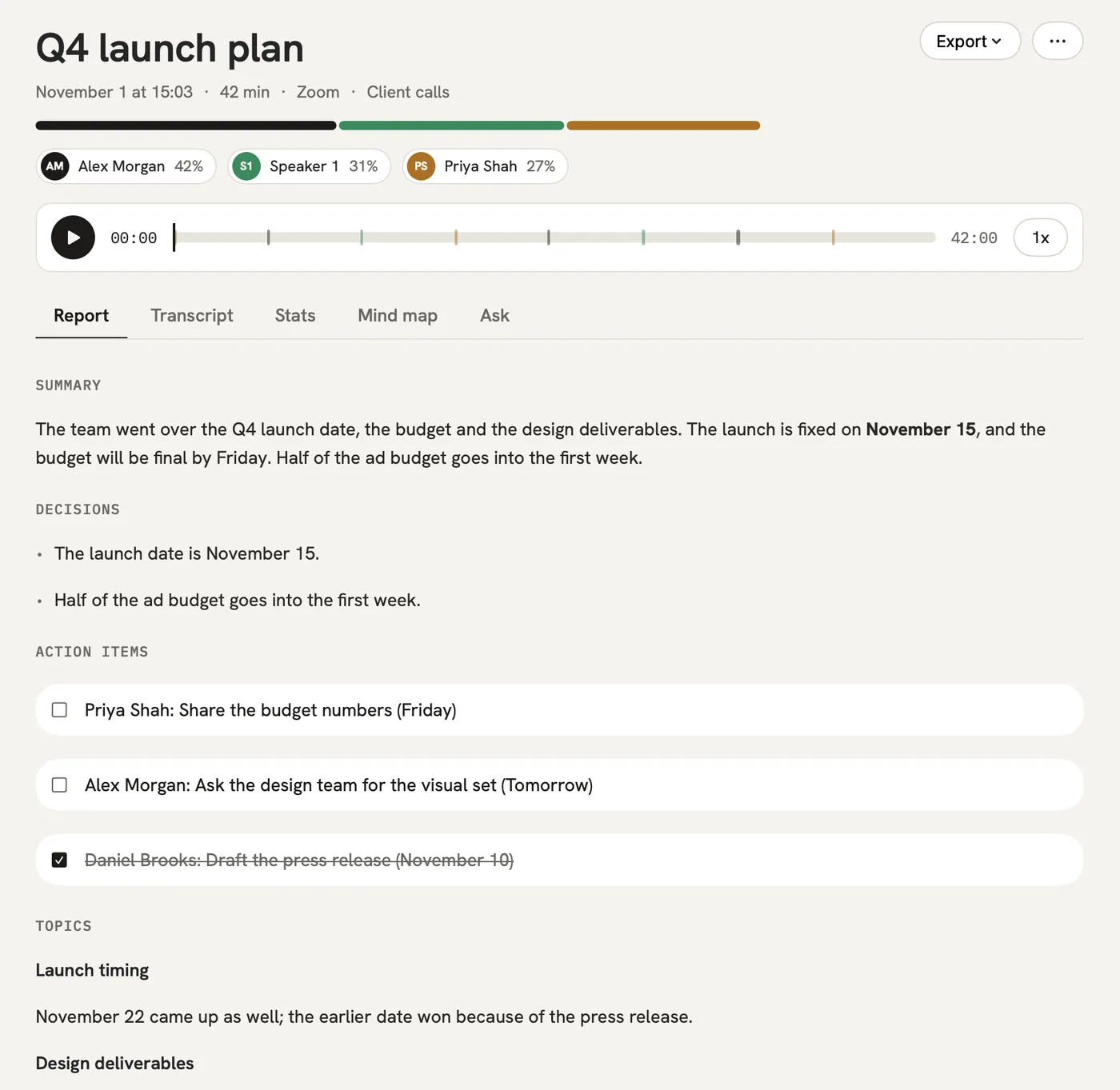
The report pulls the decisions out of the discussion and lists them on their own, with open questions and to-dos that have owners.

After: Everyone leaves with the same version of what was agreed.

Report

The problem

“Why did we drop that feature, and who was in the room?”

In qatip Ask

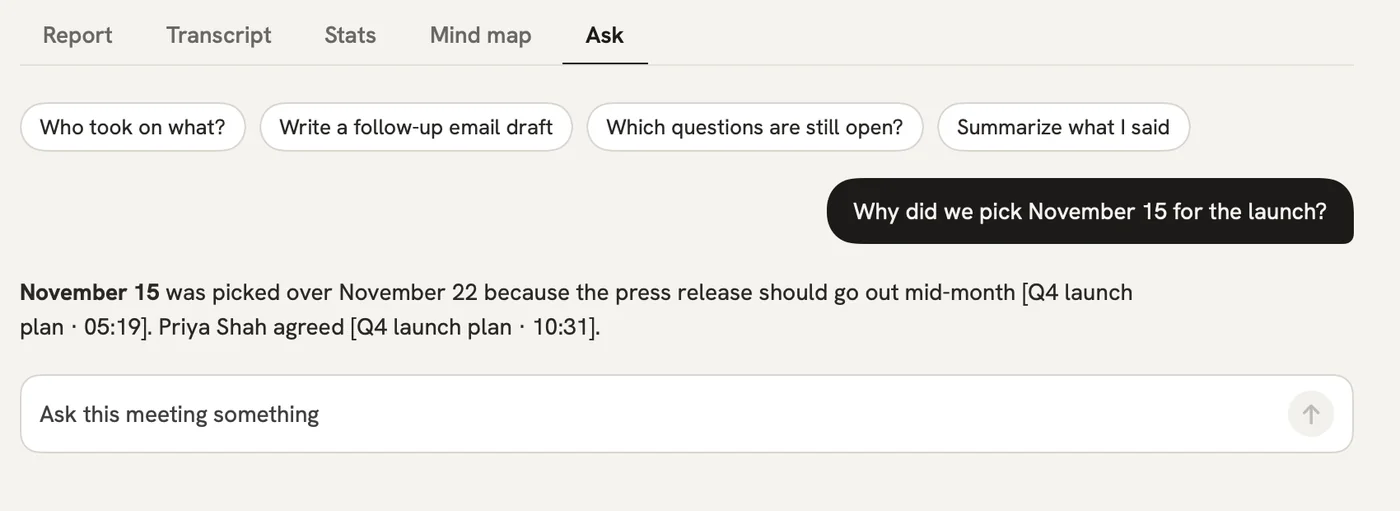
Ask in plain words across every meeting you've recorded. The answer points to the meeting and the moment it came from.

After: Your decision log is the meetings themselves, and you can search it.

Ask

The problem

“Pulling themes out of twenty customer calls takes me a full day.”

In qatip qatip MCP

Connect qatip MCP to Claude or ChatGPT once, then ask your assistant what customers said about onboarding across those calls.

After: You write the spec with the customers' own words beside you.

AI assistant
What did we promise Acme in last week's calls?
qatip MCP · searched 6 meetings

Two things: the onboarding plan by Friday, which you sent on Tuesday, and a quote for 40 seats, which is still open.

Client onboarding call · MonAcme pricing call · Thu

A report could come with these sections

  1. 01Customer's problem
  2. 02How they solve it today
  3. 03Decisions
  4. 04Open questions

Every section comes from a template, and you can change it to fit your meetings.

You might be wondering

Will the customer see a bot in the call?

No. qatip records the sound on your computer, so nobody else joins. Telling the customer you're recording is up to you, and qatip reminds you before every recording.

Is qatip MCP on the free plan?

No. MCP, integrations and unlimited questions come with Pro, which you can try free for 7 days. The free plan includes 5 questions a month.

I talk to customers in other countries. Will that work?

Yes. qatip detects close to 100 languages by itself, and you pick which of 8 languages the report is written in.

In your next meeting, just talk.

Start on the free plan, or try Pro free for 7 days. Cancel anytime.

Start free