ProductRecording and transcriptReportsAsk your meetingsMeeting statsTo-dosqatip MCPAn example reportiPhone and AndroidMac and WindowsSecurity
Use casesMeetingsBy roleEducationMedia and eventsAll use cases
PricingBlogSign inTürkçe

Record Teams meetings without adding anyone.

qatip records Microsoft Teams from your computer's sound or in Chrome, so no extra participant shows up in the call.

300 free minutes a month, no credit card needed.

qatip is an AI note taker for Microsoft Teams meetings: the Mac and Windows apps record Teams from the computer's sound, and the Chrome extension records it in Chrome. No bot joins. On a Mac it reads who's speaking from the Teams window, and minutes later you get a transcript with names and a report with decisions and to-dos.

Updated November 2026

Sound familiar?

It's your fourth Teams call today, with three more stacked behind it. Twelve people are on this one, most cameras are off, and the decision that matters comes in the last five minutes. By the next call you've half forgotten it.

  • Calls run back to back with no time to write up
  • With cameras off, you lose track of who spoke
  • Every team writes its meeting notes differently

Where it hurts, and what qatip does about it.

The problem

“Our Teams calls run back to back, and I don't want to add a bot to every one.”

In qatip Recording and transcript

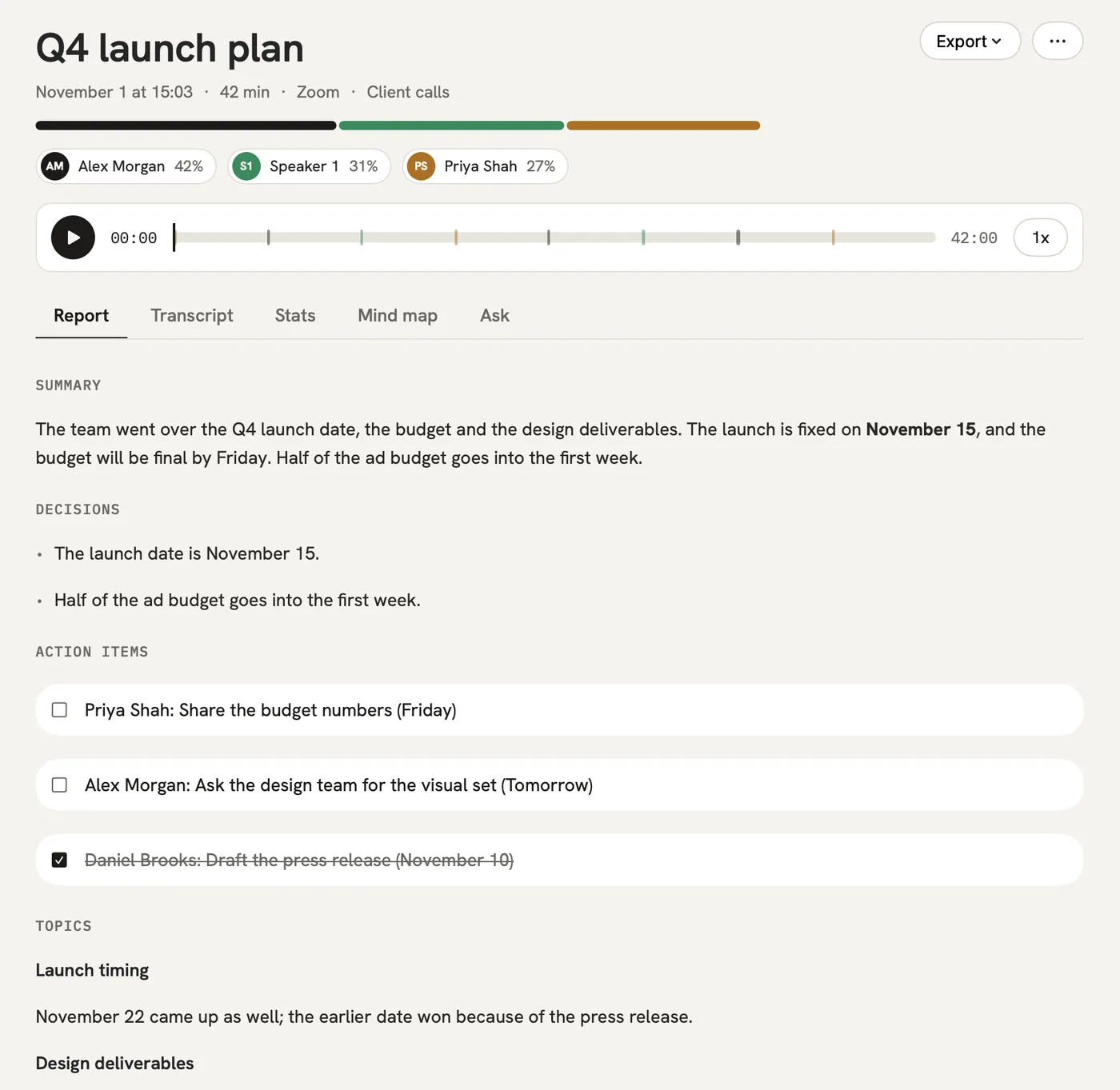
The Mac or Windows app notices when a Teams call starts and offers to record, taking the sound from your computer. On a Mac it also reads who's talking from the Teams window.

After: Every call is written down with names, and nobody new appeared in the meeting.

Recording and transcript

The problem

“Twelve people took things on, and I can't remember who took what.”

In qatip To-dos

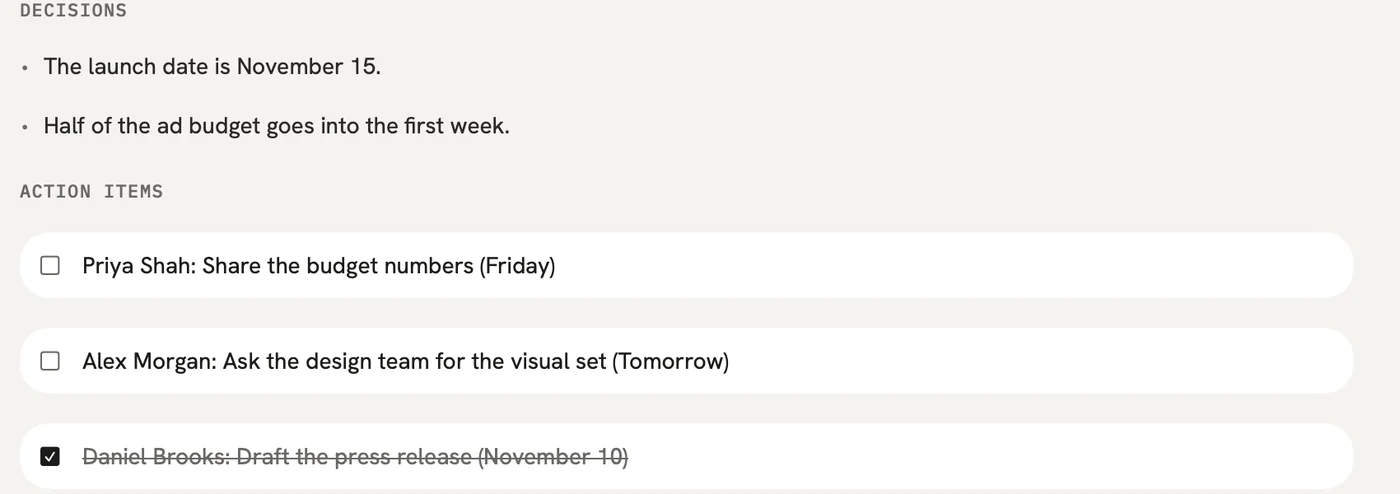
Each to-do comes with an owner and a date and goes into one list from all your meetings. You can send them on to Linear or Notion.

After: The follow-ups are clear before the next call starts.

To-dos

The problem

“IT is going to ask where the recordings end up.”

In qatip Audio retention

Data is stored in Frankfurt and never used to train AI models. You choose whether audio stays 7, 30 or 90 days, a year, or not at all, and Enterprise customers can get a data processing agreement.

After: You have a straight answer for IT before they ask.

The problem

“Every team writes up meetings its own way, and nothing lines up.”

In qatip Templates

Set the report's sections once for each kind of meeting. On the Team plan, templates and folders are shared, so everyone's reports come out the same way.

After: A report from any team reads like one from yours.

Templates

A report could come with these sections

  1. 01Decisions
  2. 02To-dos with owners
  3. 03Risks
  4. 04Next meeting

Every section comes from a template, and you can change it to fit your meetings.

You might be wondering

Does it work with Teams in the browser?

Yes. If you join Teams in Chrome, the qatip extension records the call there. The Mac and Windows apps record the Teams desktop app.

Can we sign in with our company account?

On the Team plan, yes. It includes company sign-in (SSO) along with shared folders, templates and people, at $24.99 per person a month.

Do others in the call need qatip to read the notes?

No. Send the report by email or as a link, and they can read it without an account.

In your next meeting, just talk.

Start on the free plan, or try Pro free for 7 days. Cancel anytime.

Start free