ProductRecording and transcriptReportsAsk your meetingsMeeting statsTo-dosqatip MCPAn example reportiPhone and AndroidMac and WindowsSecurity
Use casesMeetingsBy roleEducationMedia and eventsAll use cases
PricingBlogSign inTürkçe

Record any call app on your computer.

qatip records from your Mac or Windows computer's own sound. It works the same on Webex as it does in a Slack huddle, and it doesn't add anyone to the call.

300 free minutes a month, no credit card needed.

qatip is an AI note taker for any call on your computer: it records Webex, Slack huddles or any other call app on Mac or Windows from the computer's own sound, without a bot. A few minutes later you get a transcript split by speaker and a report with the summary, decisions and to-dos. It doesn't record regular phone calls.

Updated November 2026

Sound familiar?

You're on Zoom with your team in the morning, a client pulls you into Webex at noon, and a Slack huddle pops up late in the afternoon. Your notes tool only knows one of them, so the other two end up on a sticky note or nowhere at all.

  • You join whatever app the client happens to use
  • Nothing said in a huddle gets written down
  • Your call notes live in three different places

Where it hurts, and what qatip does about it.

The problem

“The client uses Webex, and my notes tool only works with Zoom.”

In qatip Recording and transcript

qatip doesn't join the call. It takes the sound from your Mac or Windows computer, so recording works the same whether it's Webex or something else.

After: You go along with the client's app and still get complete notes.

The problem

“I can't even remember which app we had that conversation in.”

In qatip Search

Type a word someone said. Calls from Webex, Slack and Zoom come up in the same list.

After: You find it without opening each app one by one.

Search

The problem

“Every app's calls end up in notes with a different layout.”

In qatip Templates

The report uses the same sections no matter which app the call came from, and you decide those sections in your own template.

After: Your Webex notes read just like your Zoom notes.

Templates

The problem

“Whatever gets said in a huddle never makes it into the channel.”

In qatip Integrations

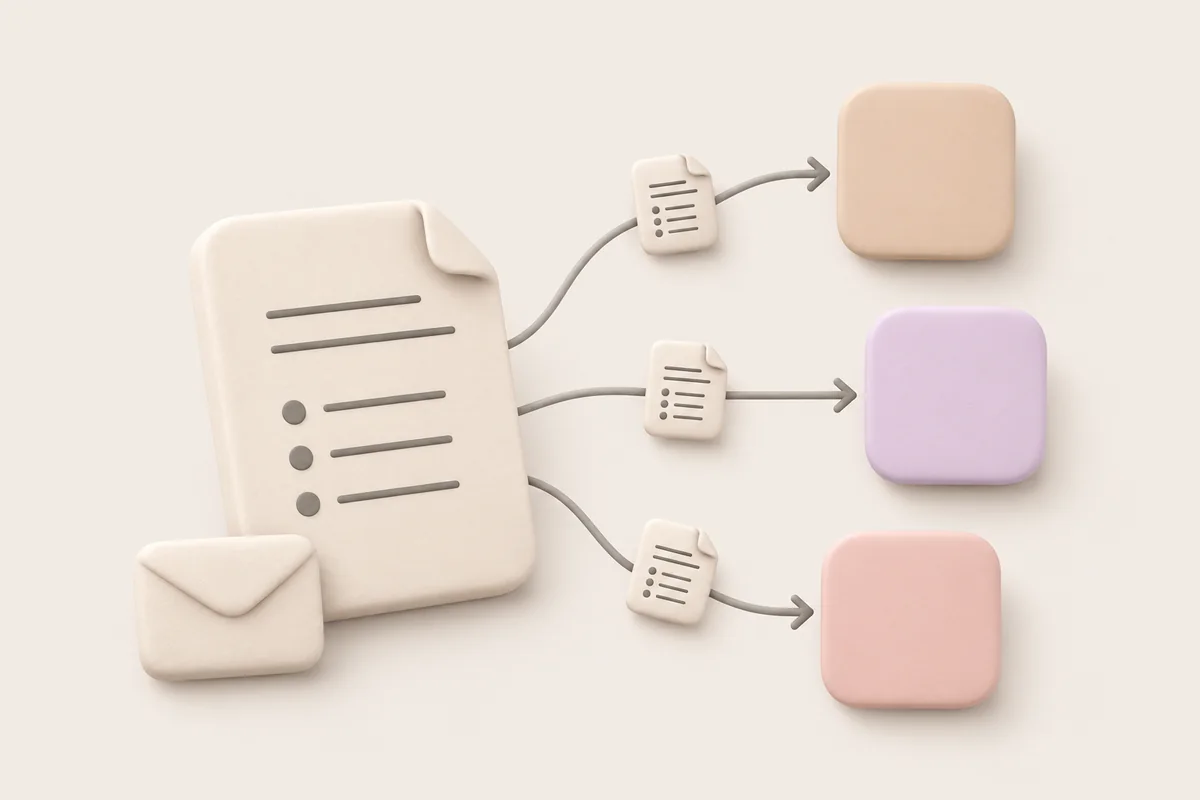
On Pro, reports go to Slack, Notion or Google Docs on their own.

After: Once the huddle ends, the recap is where your team already looks every day.

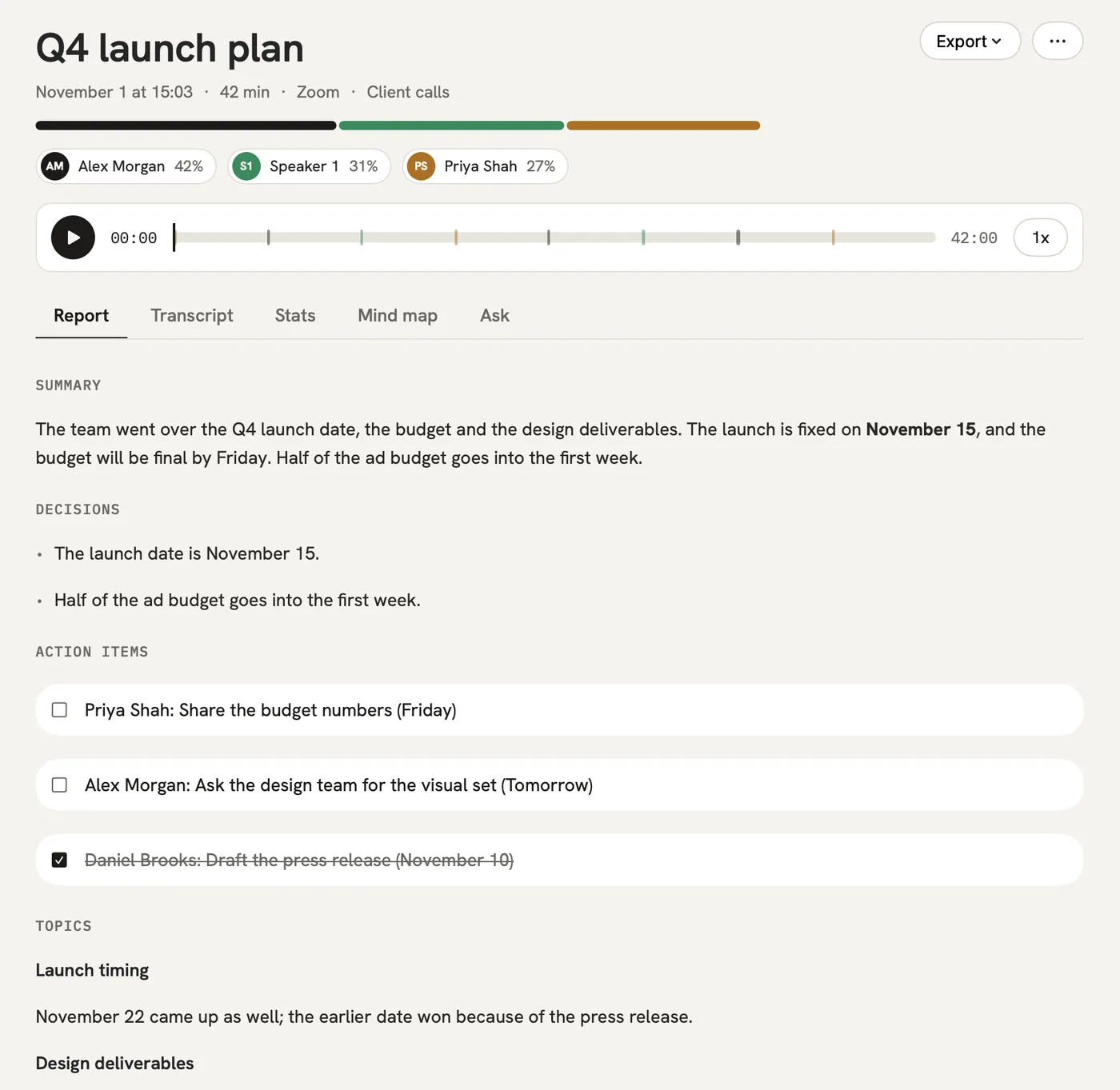
A report could come with these sections

  1. 01Summary
  2. 02Decisions
  3. 03To-dos
  4. 04Next call

Every section comes from a template, and you can change it to fit your meetings.

You might be wondering

Can qatip record regular phone calls?

No. qatip doesn't record regular phone calls. It records calls running on your Mac or Windows computer.

Does the Chrome extension work with other call apps?

The Chrome extension is for Google Meet, Zoom and Microsoft Teams. For any other call app, use the Mac or Windows app, which records the computer's sound.

Will the other people see that I'm recording?

No bot joins, so the participant list stays the same. Telling people you're recording is up to you, and qatip reminds you before every recording.

In your next meeting, just talk.

Start on the free plan, or try Pro free for 7 days. Cancel anytime.

Start free