ProductRecording and transcriptReportsAsk your meetingsMeeting statsTo-dosqatip MCPAn example reportiPhone and AndroidMac and WindowsSecurity
Use casesMeetingsBy roleEducationMedia and eventsAll use cases
PricingBlogSign inTürkçe

Write show notes from the conversation itself.

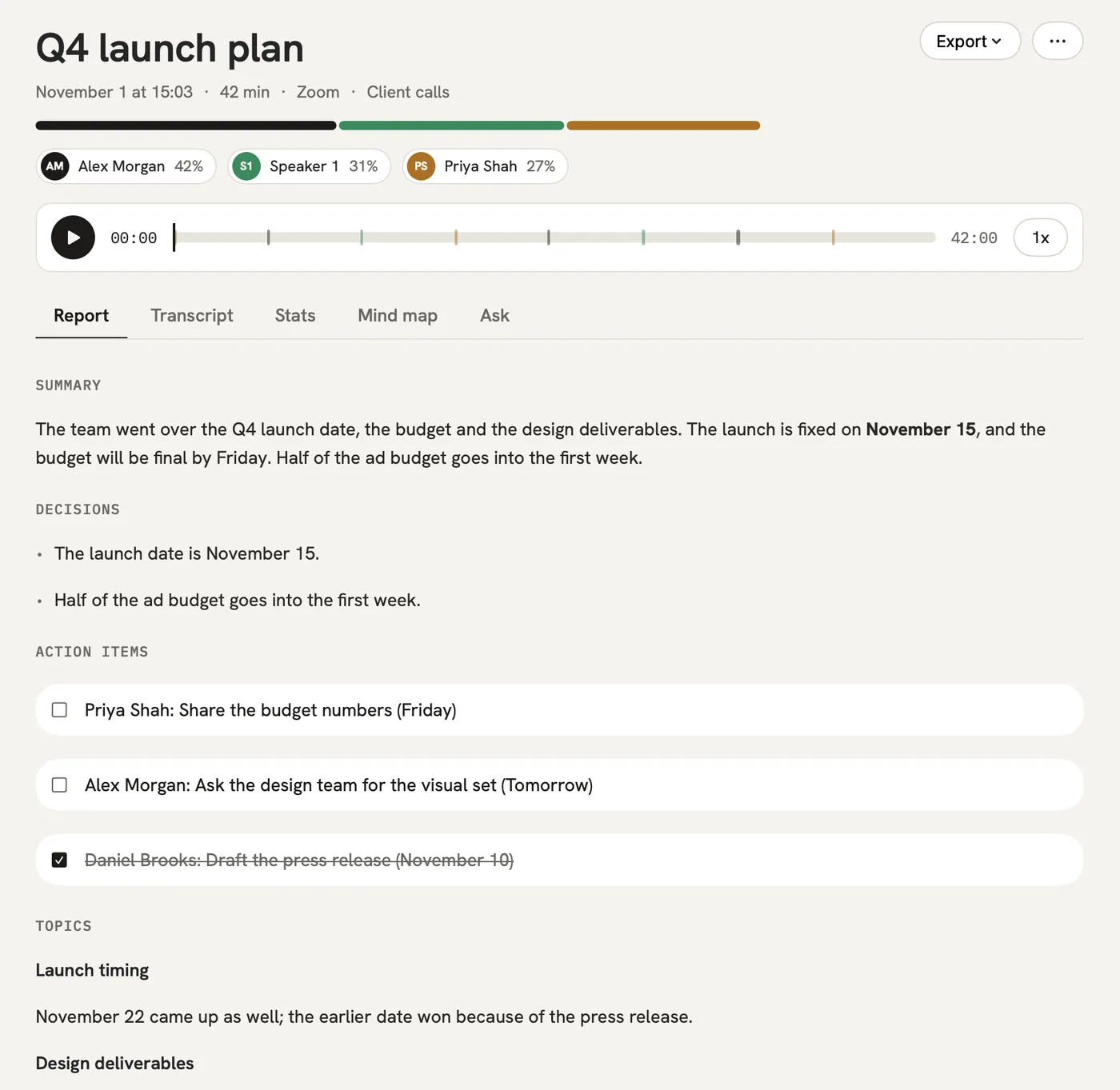
Record the interview or import the audio. A few minutes later the whole conversation is in writing with who said what, plus a show-notes draft built on your template.

300 free minutes a month, no credit card needed.

qatip is an AI note taker for podcasters: it records in-person interviews on your phone and remote calls on your computer without a bot, or takes an audio file you import on phone or Mac. Minutes later you get a podcast transcript with speaker names and show notes from your own template. It runs on iPhone, Android, Mac and Windows.

Updated November 2026

Sound familiar?

The episode is recorded and the guest was great. Now you need show notes, a few quotes for social posts and the name of the book they recommended somewhere around minute forty, and the only way to find any of it is to listen to the whole thing again.

  • Show notes eat an evening after every recording
  • You re-listen to the episode to find one quote
  • The books and sites your guest mentioned get lost

Where it hurts, and what qatip does about it.

The problem

“Sometimes my guest is in the studio, sometimes they're calling in from another city.”

In qatip Recording and transcript

With a guest across the table, put your phone between you. With a remote guest, your computer records the Zoom, Meet or Teams call from its own sound and no bot joins. Either way the transcript shows who said what.

After: However you recorded it, every episode ends up written down in one place.

Recording and transcript

The problem

“I already record on my own mics. I don't want a second recording running.”

In qatip Import

Import the audio file on your phone or Mac. It gets the same transcript and report as a conversation recorded in qatip.

After: Your recording setup stays exactly as it is.

The problem

“I write the show notes from scratch every single time.”

In qatip Templates

Build a show-notes template once: episode summary, topics, the guest's best lines, books and links mentioned. Every episode's report comes out with those sections.

After: All that's left is tidying up a draft.

Templates

The problem

“There was a great line for a post, and I have no idea where it was in the episode.”

In qatip Search and Ask

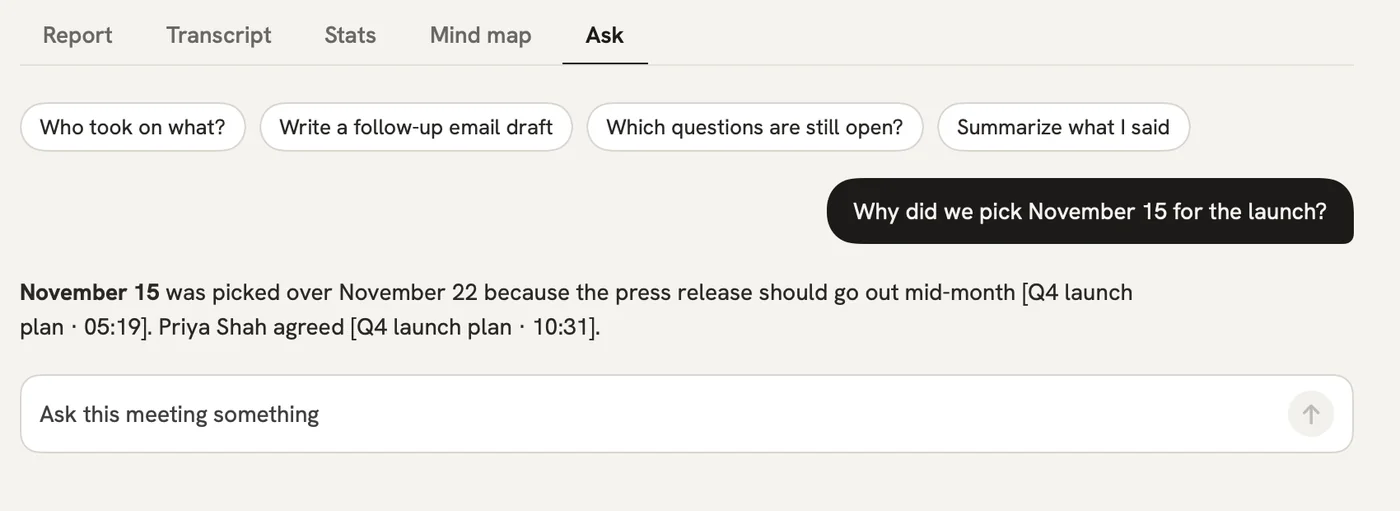
When something good happens while you record on your phone, mark it with a flag. Later, search for a word you remember or ask in plain words, and the line comes back with its place in the conversation.

After: Finding a quote for a post takes a minute.

Search and Ask

A report could come with these sections

  1. 01Episode summary
  2. 02Topics
  3. 03The guest's best lines
  4. 04Books and links mentioned

Every section comes from a template, and you can change it to fit your meetings.

You might be wondering

Can I upload the episode as a video file?

No, qatip doesn't transcribe video files. Import the episode's audio file on your phone or Mac instead.

What if my guest speaks another language?

qatip works out the spoken language on its own, from close to 100. You choose which of 8 languages the show notes are written in.

How long can an episode be?

On Pro a single recording can run up to 4 hours. On the free plan only the first 30 minutes of each recording are written up, and most episodes run longer than that.

In your next meeting, just talk.

Start on the free plan, or try Pro free for 7 days. Cancel anytime.

Start free