ProductRecording and transcriptReportsAsk your meetingsMeeting statsTo-dosqatip MCPAn example reportiPhone and AndroidMac and WindowsSecurity
Use casesMeetingsBy roleEducationMedia and eventsAll use cases
PricingBlogSign inTürkçe

Record the meeting in the room with your phone.

Put your phone on the table, press record and lock the screen. qatip keeps listening, and the report is ready a few minutes after you finish.

300 free minutes a month, no credit card needed.

qatip is an AI note taker for in-person meetings: on iPhone or Android you put the phone on the table and record, even with the screen locked. You can flag important moments, add notes and photos of the whiteboard, and pause or finish from the lock screen. A few minutes later you get a transcript with speakers and a report.

Updated November 2026

Sound familiar?

Six people around a meeting room table, and a whiteboard filling up with arrows. You're the one with the laptop open, typing as fast as you can and missing every joke. At the end someone wipes the board while you're still copying the last box.

  • You type through the meeting and barely say a word
  • The whiteboard gets wiped before you've copied it
  • Your notes say “important!” and you can't remember why

Where it hurts, and what qatip does about it.

The problem

“If I lock my phone, I'm worried the recording will stop.”

In qatip Recording and transcript

qatip keeps recording with the screen locked, and you can pause or finish from the lock screen. Afterwards every sentence is written down with who said it.

After: The phone lies face down and you stay in the conversation.

Recording and transcript

The problem

“The one line I need to come back to gets lost in an hour of talk.”

In qatip Flags and notes

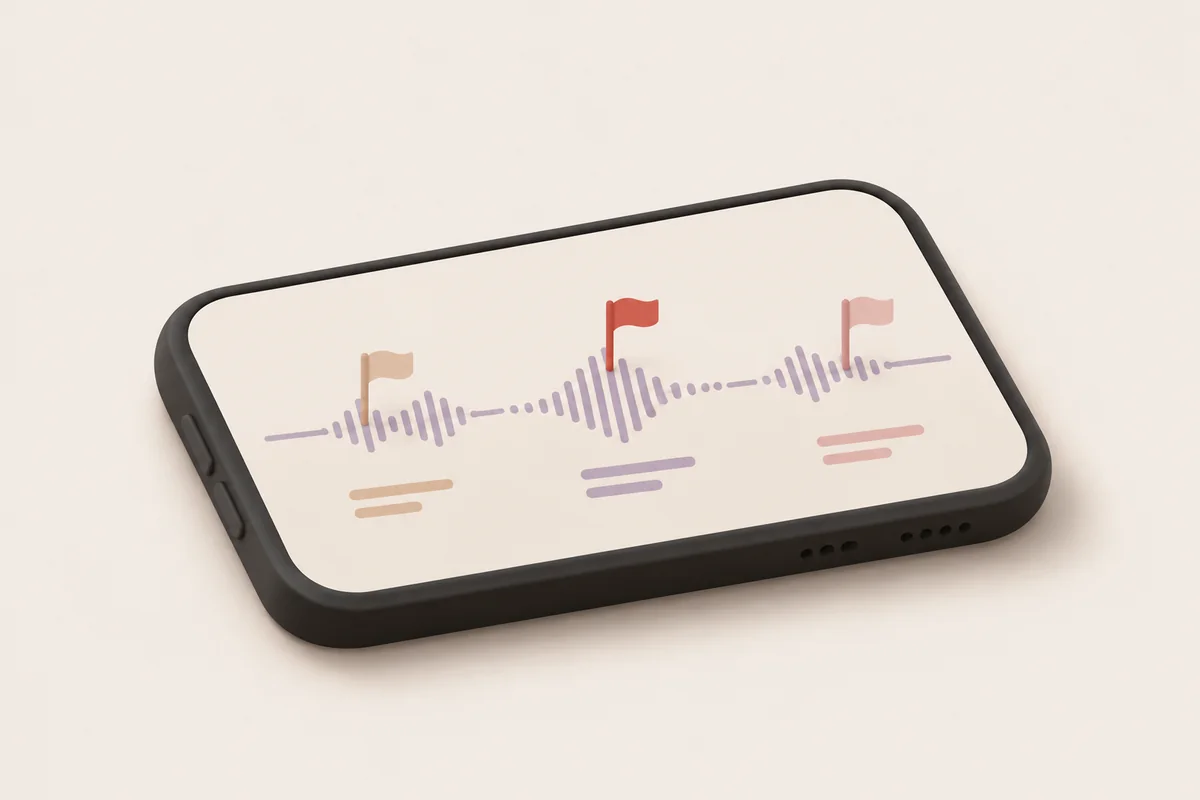
Tap the flag when something matters to mark the moment, and type a short note while the recording runs if you want to.

After: You find that moment later without listening to the whole hour.

The problem

“The whiteboard will be wiped before I've copied it.”

In qatip Photos

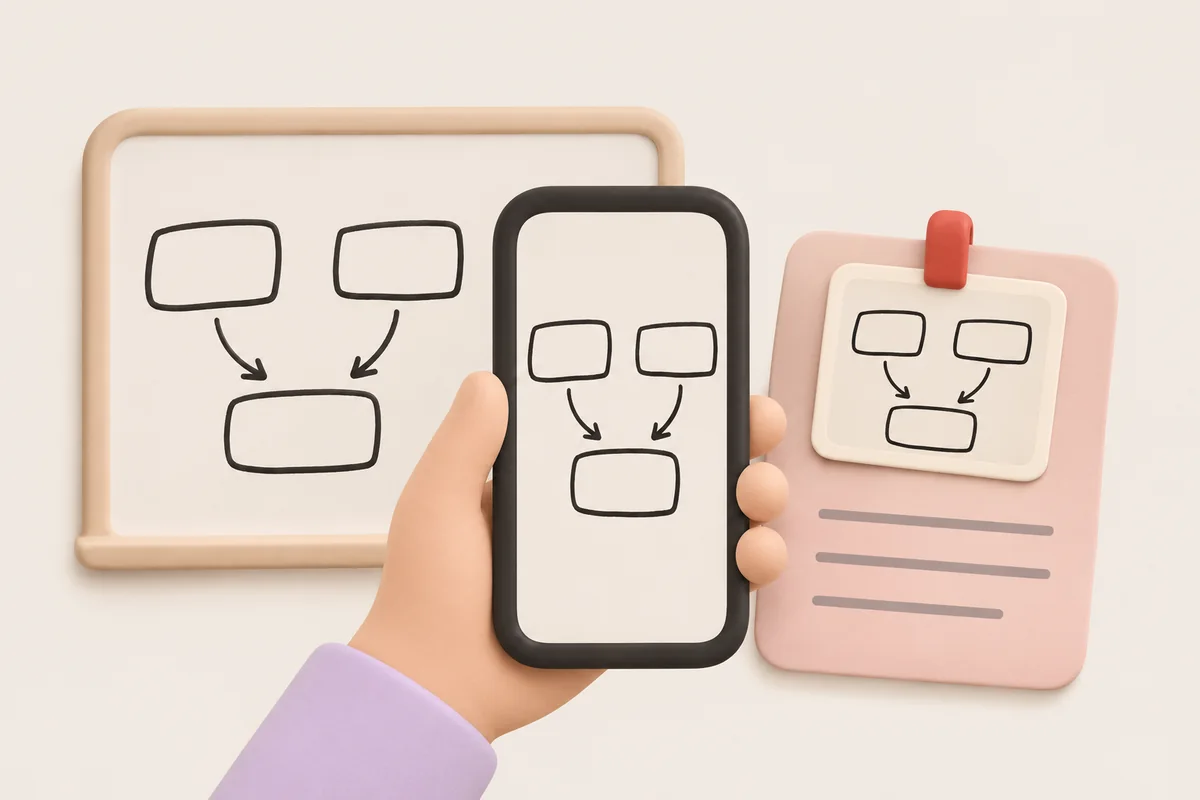
Take a photo of the board or a slide during the recording and it's added to that meeting's notes.

After: The diagram and the discussion about it stay in one place.

The problem

“Writing up a two-hour workshop takes me the rest of the day.”

In qatip Report

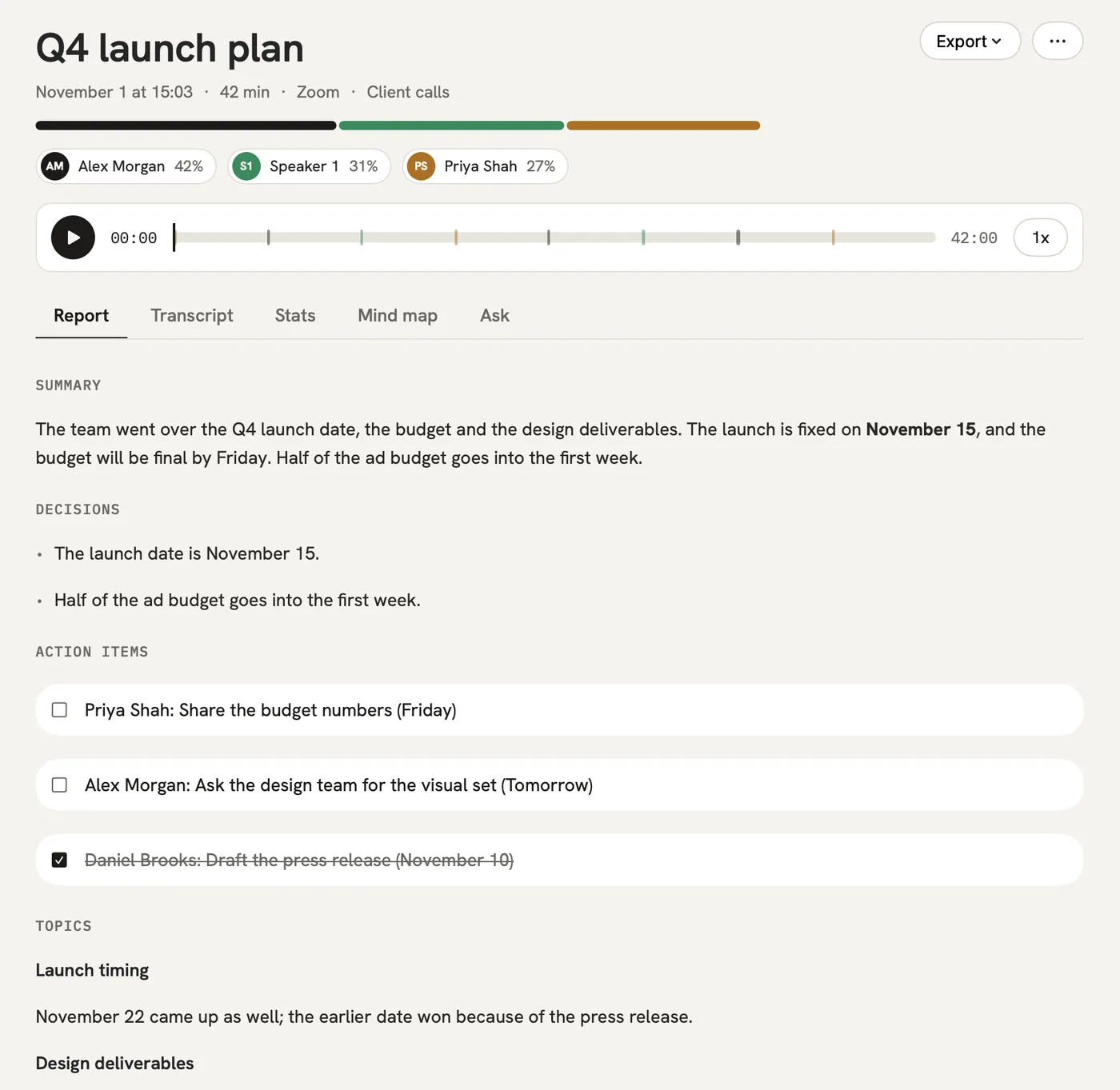
A few minutes after you finish, the summary, decisions, to-dos with owners and open questions are ready. Email them to everyone who was in the room in one click.

After: The workshop's output reaches people while they still remember it.

Report

A report could come with these sections

  1. 01Summary
  2. 02Ideas raised
  3. 03Decisions
  4. 04To-dos

Every section comes from a template, and you can change it to fit your meetings.

You might be wondering

Does it work on both iPhone and Android?

Yes. qatip records in-person meetings on both, keeps going with the screen locked, and reminds you a minute before meetings on your calendar.

I already recorded the meeting with another app. Can qatip still write it up?

Yes. Import the audio file on your phone or Mac, and it gets the same transcript and report.

How long can one recording be?

Up to 4 hours on Pro and up to 8 on Team. The free plan gives you 300 minutes a month, with the first 30 minutes of each meeting written up.

In your next meeting, just talk.

Start on the free plan, or try Pro free for 7 days. Cancel anytime.

Start free