ProductRecording and transcriptReportsAsk your meetingsMeeting statsTo-dosqatip MCPAn example reportiPhone and AndroidMac and WindowsSecurity
Use casesMeetingsBy roleEducationMedia and eventsAll use cases
PricingBlogSign inTürkçe

Turn that audio recording into text.

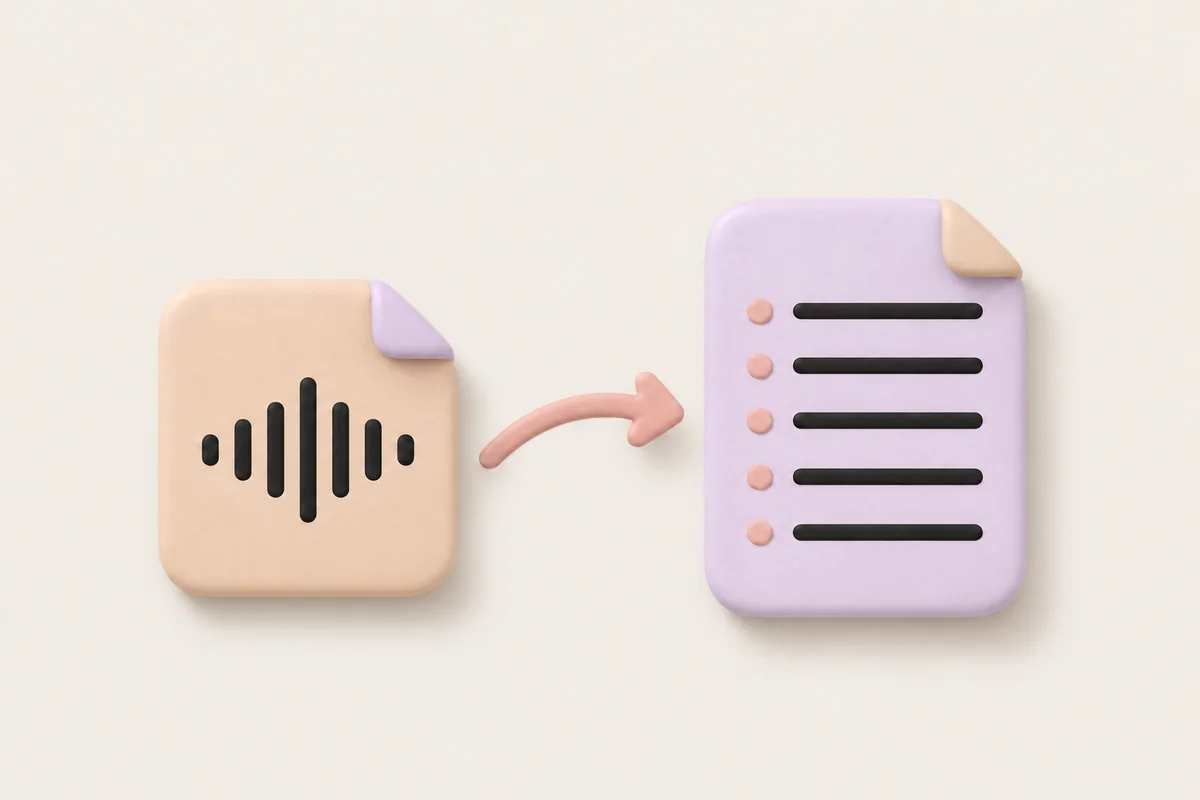
It doesn't matter which app made the recording. Import the audio file and qatip handles it like a meeting it recorded itself.

300 free minutes a month, no credit card needed.

qatip is an AI note taker that turns audio recordings into text: import an audio file on your phone or Mac and it writes a transcript split by speaker, then a report with the summary, decisions and to-dos. It picks up the spoken language by itself, from close to 100. It takes audio files, not video.

Updated November 2026

Sound familiar?

There's a recording on your phone from a meeting last month, an hour and twelve minutes long. You need to check one number, so you open it and scrub back and forth, and the sentence you're after never seems to come up.

  • Voice memos pile up and nobody plays them again
  • You scrub back and forth to find one sentence
  • Writing up a recording eats your whole afternoon

Where it hurts, and what qatip does about it.

The problem

“I recorded the meeting with my phone's voice memo app, and now I have a file I can't do anything with.”

In qatip Import

Bring the audio file in from your phone or Mac. qatip handles it the same way it handles a meeting it recorded.

After: Which app made the recording stops mattering, and the file sits with the rest of your meetings.

The problem

“I don't have time to listen to the whole thing and type it out.”

In qatip Recording and transcript

qatip writes the conversation out line by line, split by speaker. It works out the language on its own.

After: You read the recording instead of replaying it, and you can skim to the part you need.

Recording and transcript

The problem

“I don't need every word. I need what we agreed on.”

In qatip Report

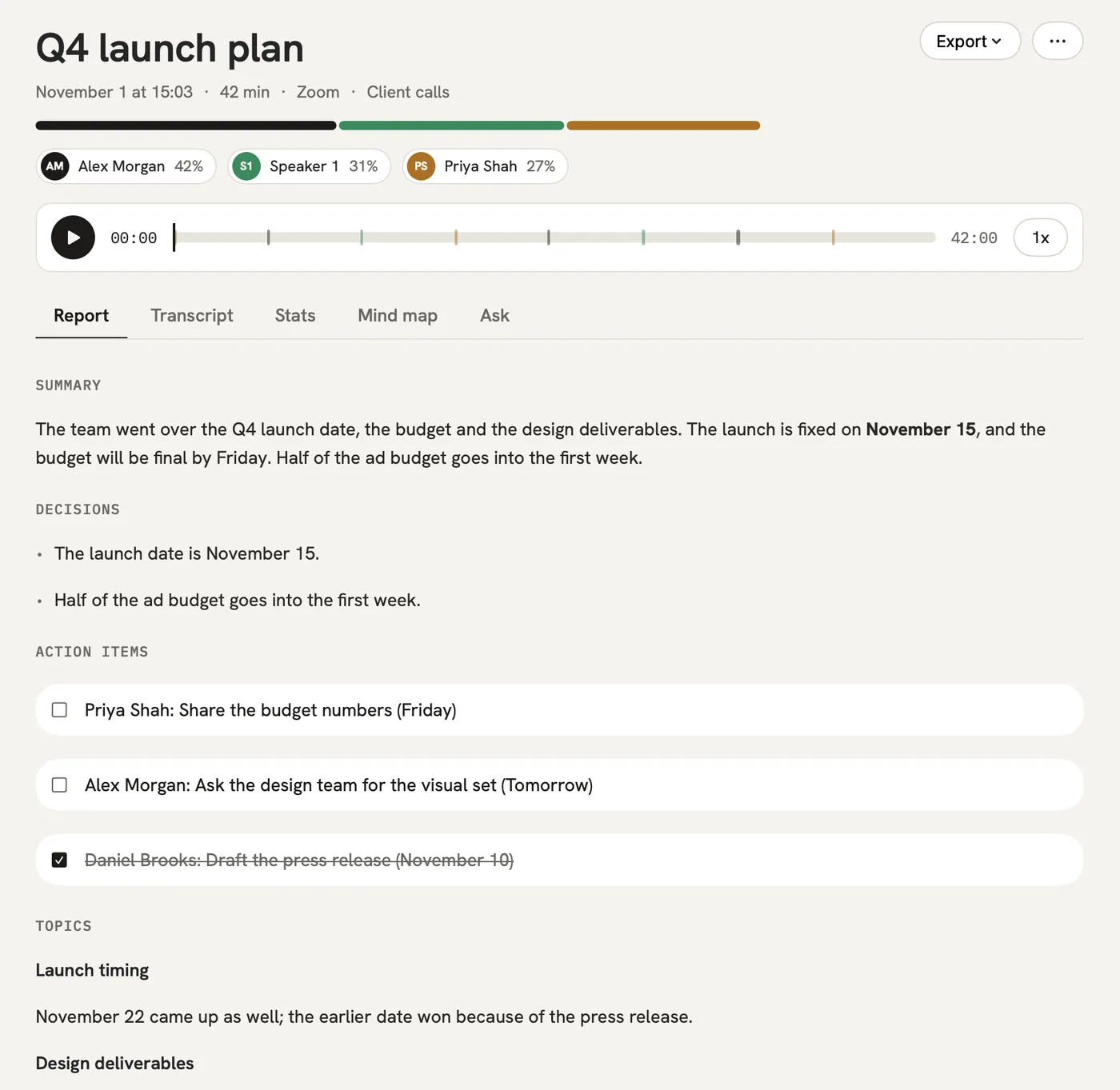
Next to the transcript you get a summary, decisions, to-dos with owner and date, and open questions. Set up your own template if you want different sections.

After: A long recording turns into something you can read in one sitting.

Report

The problem

“Someone mentioned a price in there and I can't remember where.”

In qatip Ask

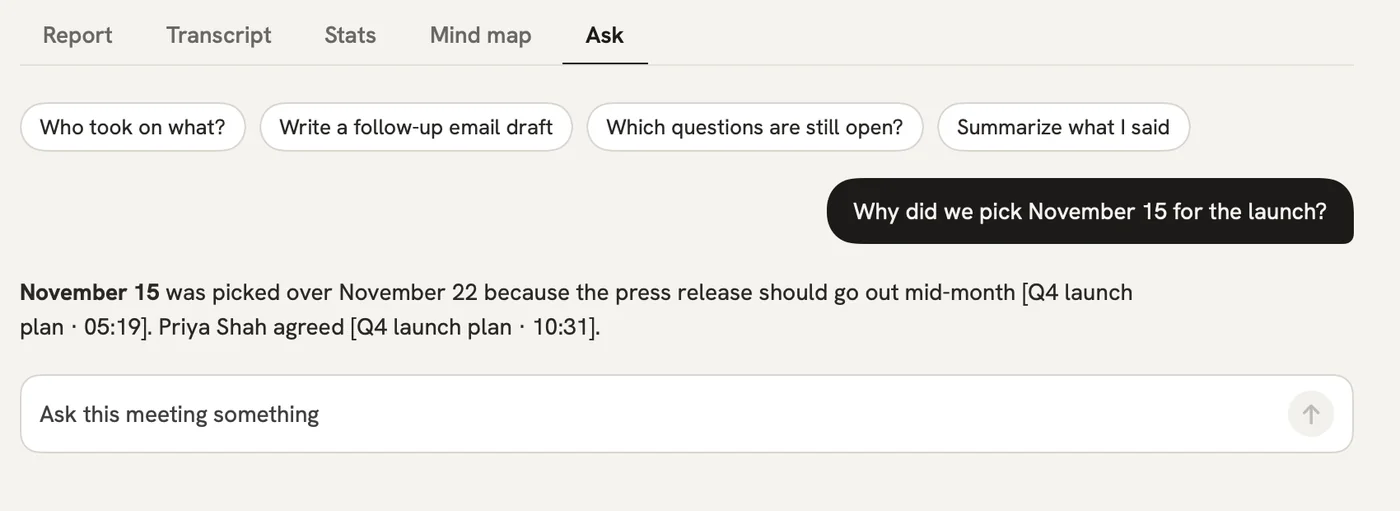
Ask the recording in plain words. The answer shows the moment it came from.

After: You get to that number without scrubbing through the audio.

Ask

A report could come with these sections

  1. 01Summary
  2. 02Topics covered
  3. 03Decisions
  4. 04To-dos

Every section comes from a template, and you can change it to fit your meetings.

You might be wondering

Can qatip transcribe a video file?

No. qatip imports audio files only and doesn't transcribe video files.

Where can I import an audio file?

On an iPhone or Android phone, and on a Mac. An imported recording gets the same transcript and report as a meeting qatip recorded live.

Where is my imported recording stored?

In the EU, in Frankfurt. Only you and the people you share it with can see it, and you choose how long the audio is kept: 7, 30 or 90 days, a year, or not at all.

In your next meeting, just talk.

Start on the free plan, or try Pro free for 7 days. Cancel anytime.

Start free