ProductRecording and transcriptReportsAsk your meetingsMeeting statsTo-dosqatip MCPAn example reportiPhone and AndroidMac and WindowsSecurity
Use casesMeetingsBy roleEducationMedia and eventsAll use cases
PricingBlogSign inTürkçe

Stop being the one who writes the minutes.

qatip records the meeting and turns it into minutes in your own format. You read them over and send them.

300 free minutes a month, no credit card needed.

qatip is an AI note taker that writes meeting minutes automatically: it records the meeting on your phone or computer, and a few minutes later produces a report with the summary, decisions, to-dos with owner and date, open questions and a mind map. You set the sections with your own template and email the minutes to everyone in one click.

Updated November 2026

Sound familiar?

The meeting ends and everyone looks at you, because you're the one who always does the minutes. You have two pages of shorthand and a vague memory of who agreed to the deadline. The minutes go out on Thursday, and by then nobody reads them.

  • You're the default minute-taker in every meeting
  • Writing the minutes takes longer than the meeting did
  • Minutes go out days late and nobody opens them

Where it hurts, and what qatip does about it.

The problem

“I only half listen in meetings because I'm busy writing everything down.”

In qatip Report

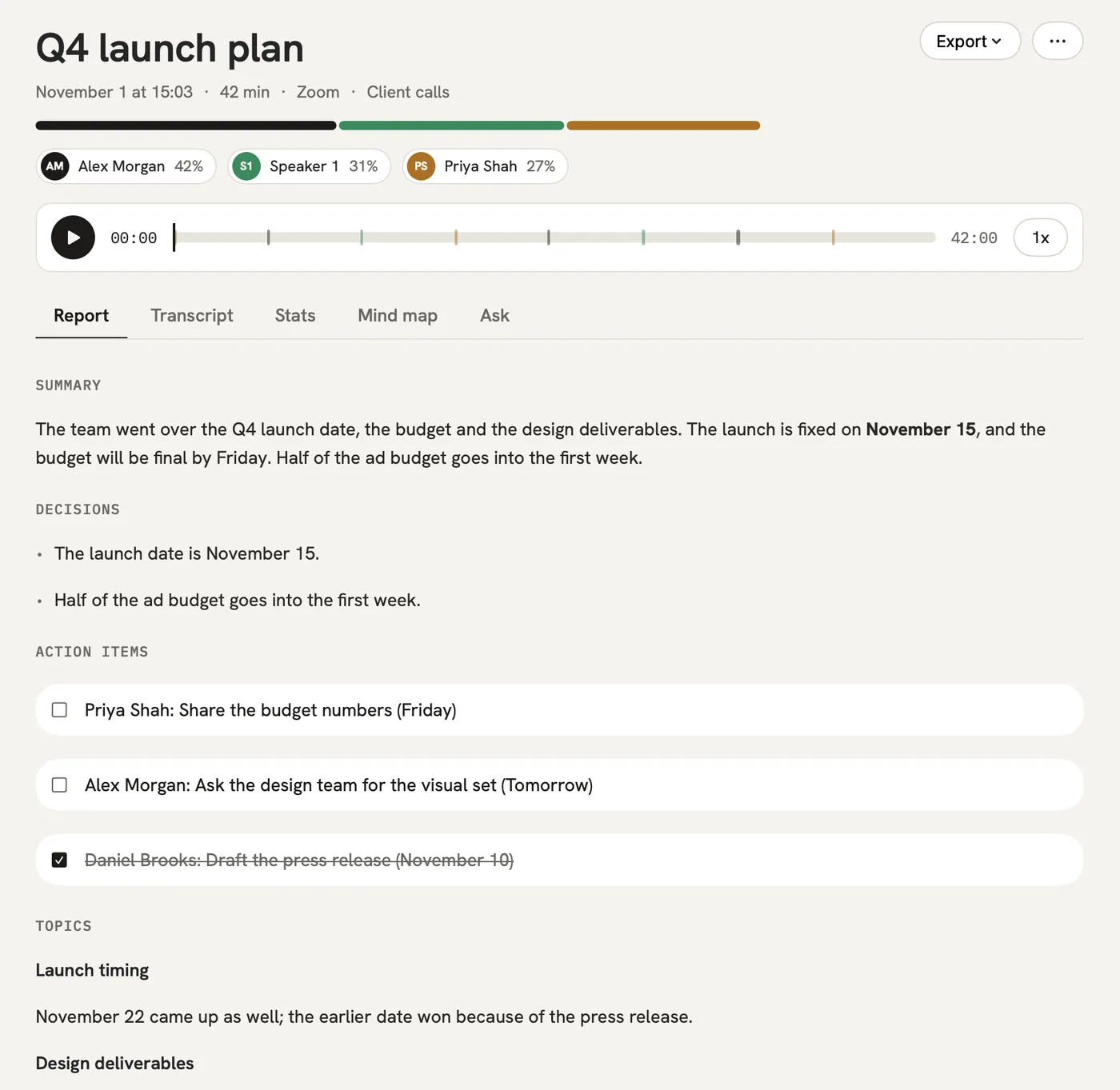
Record the meeting and stop typing. A few minutes after it ends, the summary, decisions, open questions and a mind map are ready.

After: You actually take part in the meeting you're writing up.
Report

The problem

“Our minutes have a set format, and every write-up has to match it.”

In qatip Templates

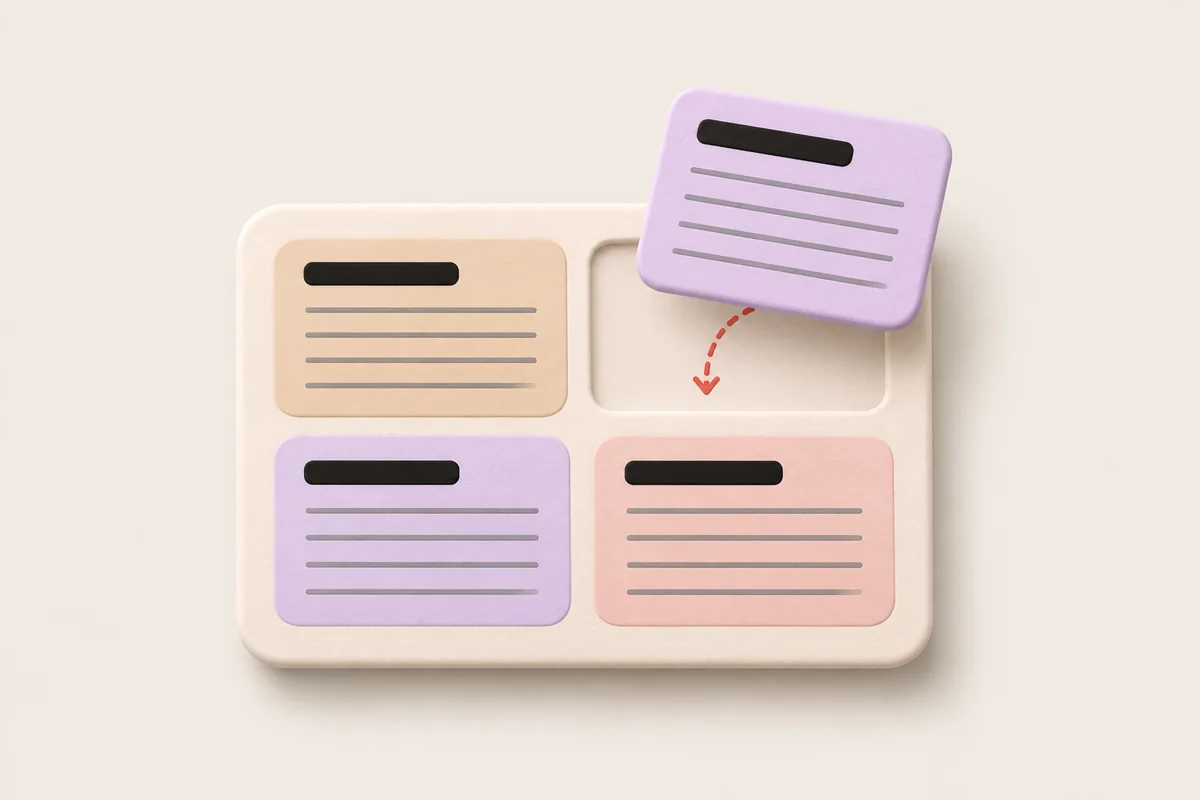
Make a template for each kind of meeting with the sections you need, and every report comes out in that order.

After: The board meeting and the weekly sync each look the way they should.

The problem

“The action items in our minutes never say who's doing them.”

In qatip To-dos

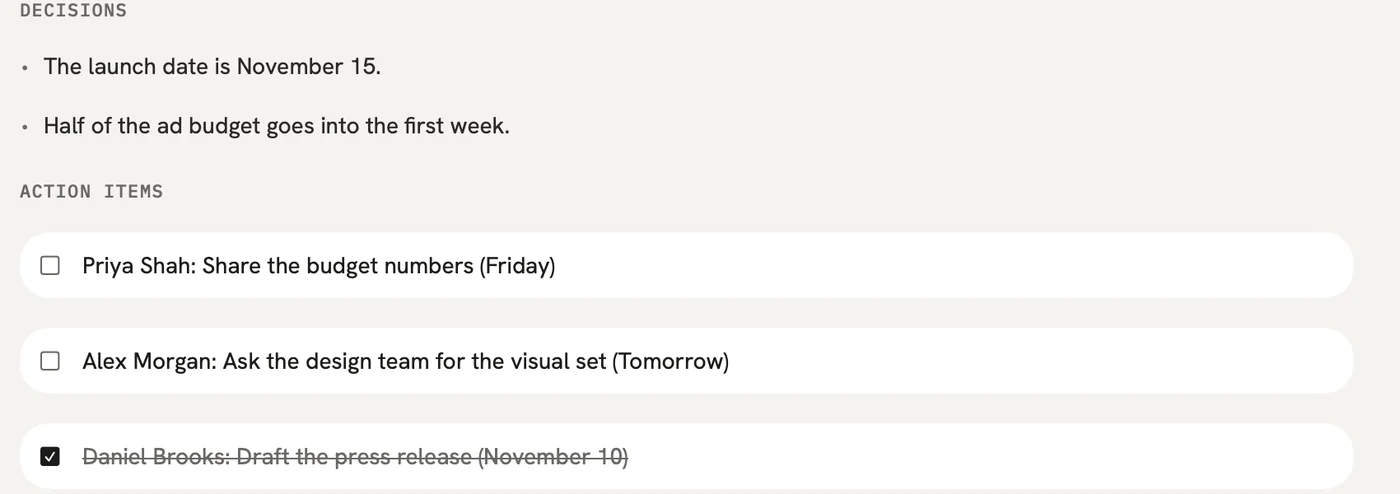
Every to-do is pulled out with an owner and a date, and lands in one list across all your meetings.

After: No line in the minutes reads “someone should look into it.”

To-dos

The problem

“Sending the minutes out and filing them is one more round of work.”

In qatip Share

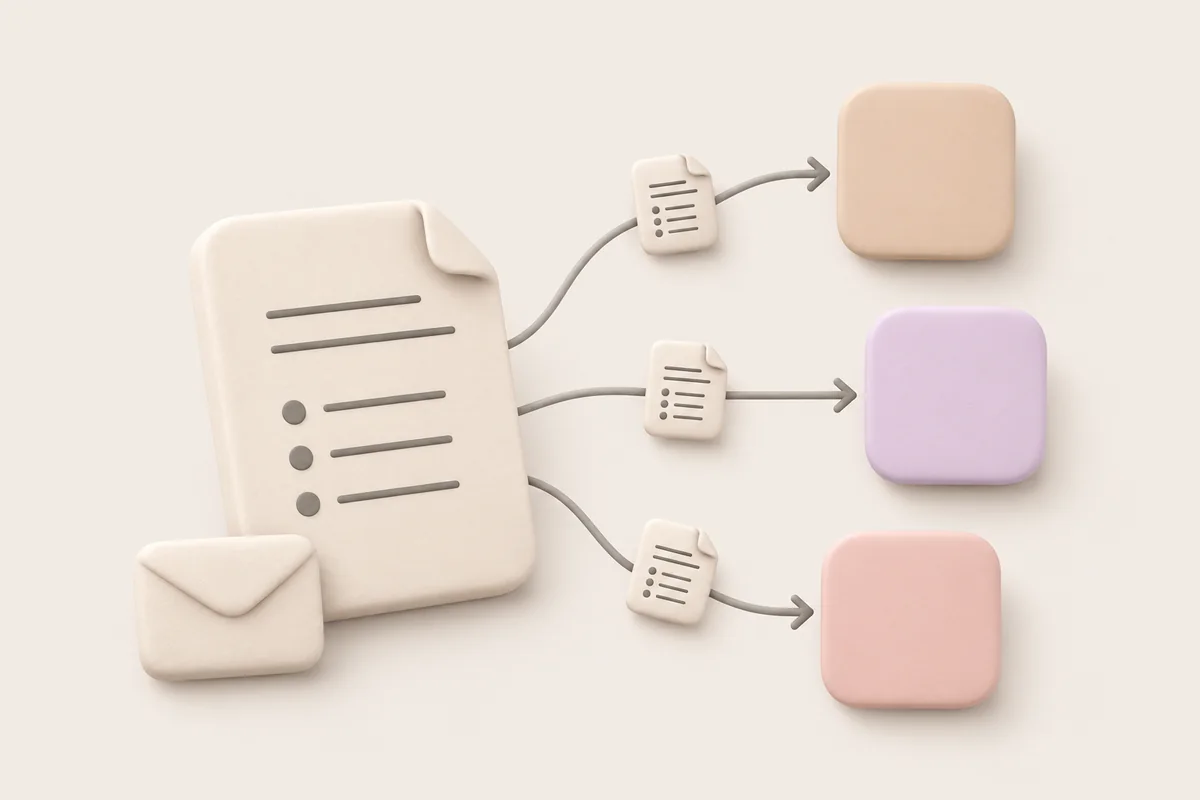
Email the minutes to everyone who attended in one click, share a link that needs no account, or export a PDF on a Mac. With Pro, they can go to Notion or Google Docs on their own.

After: The minutes go out the same day and get filed where your team looks.

A report could come with these sections

  1. 01Attendees
  2. 02Decisions
  3. 03Action items with owners
  4. 04Open questions

Every section comes from a template, and you can change it to fit your meetings.

You might be wondering

Can the minutes be in a different language from the meeting?

Yes. qatip transcribes the language spoken and can write the report in any of 8 languages; you pick one.

Is there a full record behind the summary?

Yes. Every meeting keeps a transcript showing who said what, line by line, so you can check any point in the minutes against what was actually said.

Does the free plan write up the whole meeting?

The free plan writes up the first 30 minutes of each meeting, with 300 minutes a month. Pro writes up the whole meeting, and you can try it free for 7 days.

In your next meeting, just talk.

Start on the free plan, or try Pro free for 7 days. Cancel anytime.

Start free