ProductRecording and transcriptReportsAsk your meetingsMeeting statsTo-dosqatip MCPAn example reportiPhone and AndroidMac and WindowsSecurity
Use casesMeetingsBy roleEducationMedia and eventsAll use cases
PricingBlogSign inTürkçe

Whatever the client asked for, dated and on record.

qatip writes up client meetings and site visits for architects and interior designers, and keeps each requested change with the photos you took while recording.

300 free minutes a month, no credit card needed.

qatip is an AI note taker for architects and designers: it records client meetings and site visits on iPhone or Android and lets you add photos of sketches while recording. A few minutes later the client's requests are in a report, and you can ask which meeting a request came from. It also runs on Mac, Windows and the web.

Updated November 2026

Sound familiar?

The shell is nearly done. The client walks into the kitchen and asks where the island is. There isn't one, because they dropped it on a site visit three months ago, or that's how you remember it. They remember the opposite, and you've got nothing on paper to settle it.

  • Revision requests live in a notebook, texts and sketch margins
  • Clients ask again for things they dropped
  • What was said on site reaches the studio half-remembered

Where it hurts, and what qatip does about it.

The problem

“When a client describes the house they've been dreaming of, I get half of it into my notebook.”

In qatip Recording and transcript

Put your phone on the table and start recording. What the client says is written down line by line with the speaker's name, so every detail of that first meeting stays with you.

After: You look at the client and ask questions instead of looking at your notebook.

Recording and transcript

The problem

“I can never tell later which comment a site photo was meant for.”

In qatip Notes and photos

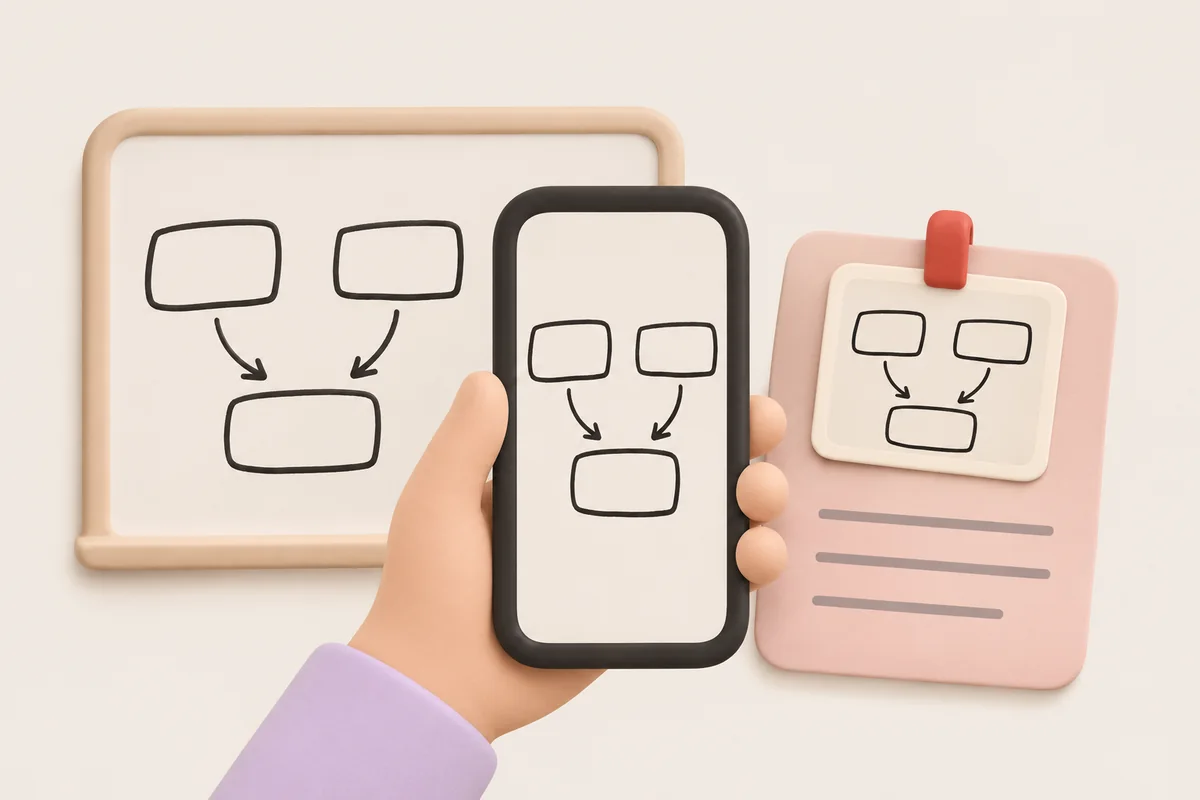
On a site visit, recording keeps going with your phone in your pocket and the screen locked. Add a photo of the sketch or the wall while you record, and drop a flag when something important comes up.

After: The photos sit inside that visit's recording, right next to the conversation.

The problem

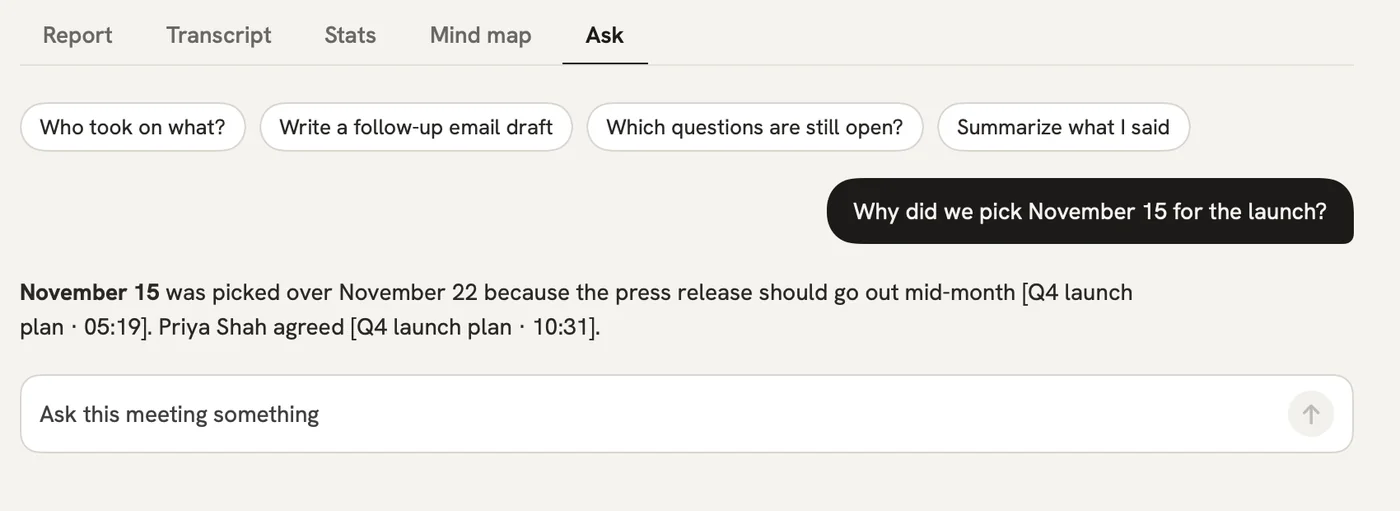
“Did the client actually say they didn't want the island, or did I just hear it that way?”

In qatip Ask

Put the question to every meeting on the project at once. The answer shows the meeting and the moment the client said it.

After: The argument ends with the client's own words.

Ask

The problem

“After every meeting I walk the studio team through the revisions one by one.”

In qatip To-dos

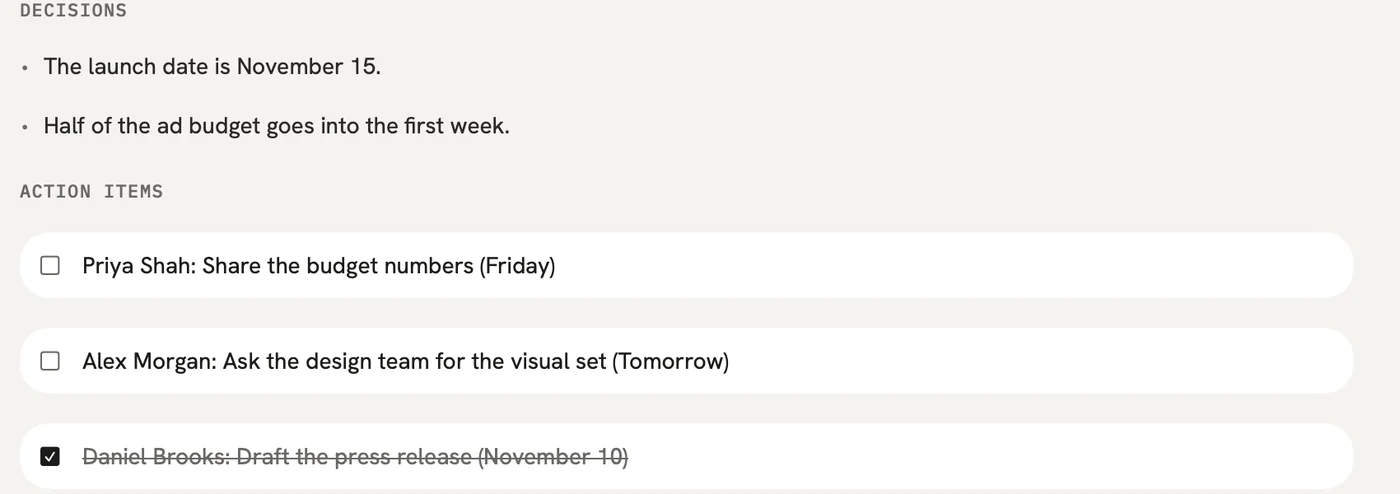
Every change the client asked for goes on one list with who's doing it and by when. Send it to Notion or add it to Reminders on iPhone.

After: Everyone drawing works from the same revision list.

To-dos

A report could come with these sections

  1. 01Client's wishes
  2. 02Requested changes
  3. 03Seen on site
  4. 04Next steps

Every section comes from a template, and you can change it to fit your meetings.

You might be wondering

If my phone is in my pocket and the screen turns off, does recording stop?

No. Recording keeps going with the screen locked, and you can pause or finish from the lock screen.

Should I let the client know the meeting is being recorded?

That's on whoever is recording, and qatip reminds you to tell people before each recording starts. Your recordings are visible only to you and anyone you share them with.

Can I send the report to the client?

Yes. Email it to everyone who was in the meeting in one click, or share a link the client can open without an account. On Mac you can also export the report and transcript as a PDF.

In your next meeting, just talk.

Start on the free plan, or try Pro free for 7 days. Cancel anytime.

Start free