ProductRecording and transcriptReportsAsk your meetingsMeeting statsTo-dosqatip MCPAn example reportiPhone and AndroidMac and WindowsSecurity
Use casesMeetingsBy roleEducationMedia and eventsAll use cases
PricingBlogSign inTürkçe

What you told the agency, in writing.

qatip writes up your marketing team's briefs and campaign meetings, and keeps each revision request next to the person who asked for it.

300 free minutes a month, no credit card needed.

qatip is an AI note taker for marketing teams: it records briefings, agency calls on Zoom, Meet or Teams, and sign-off meetings, with no bot joining. A few minutes later you get a transcript and a report in your own template that you can email to everyone in one click. It runs on Mac, Windows, iPhone, Android, Chrome and the web.

Updated November 2026

Sound familiar?

The campaign visuals are in. The brand manager looks at them and says that's not what she asked for. In the briefing she wanted the logo smaller, or maybe bigger, the agency heard one thing and you remember another, and your two lines of notes back up neither.

  • Revision rounds turn into arguments about the brief
  • The recap reaches the agency two days late
  • Nobody can find who signed off on the final version

Where it hurts, and what qatip does about it.

The problem

“When I listen and type on an agency call at the same time, details slip.”

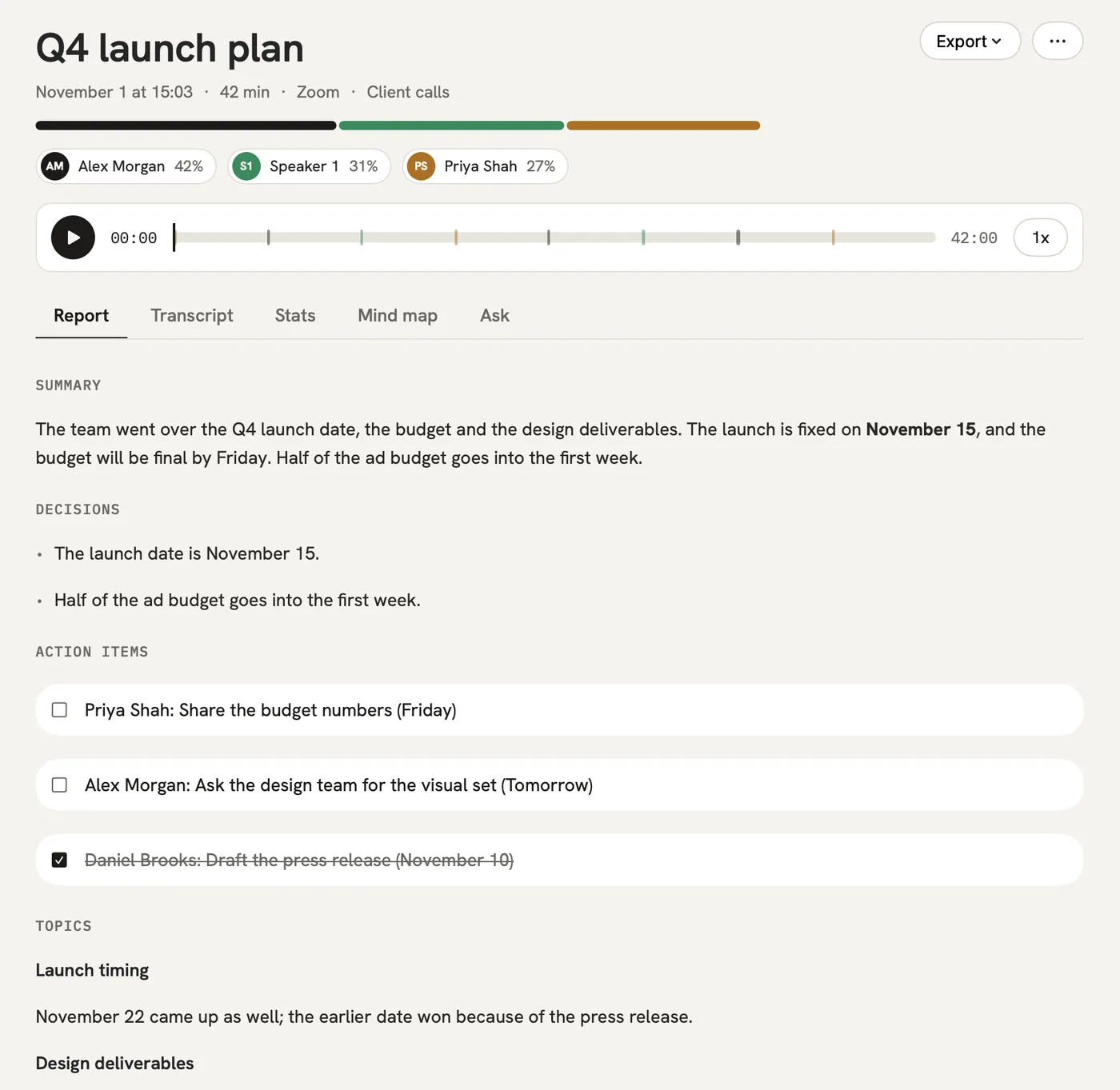
In qatip Recording and transcript

When a Zoom, Meet or Teams call starts on your computer, qatip notices and offers to record. No bot joins, and everything the agency and your team say is written down under their names.

After: You stay in the creative discussion and qatip does the writing.

Recording and transcript

The problem

“The notes we send the agency after a brief never come out the same way twice.”

In qatip Templates

Set up a brief template once. Sections like goal, audience, key message and deadline show up in the same place in every report.

After: The agency gets the brief in the same shape for every campaign.

Templates

The problem

“Writing and sending a recap after every meeting eats my afternoon.”

In qatip Share

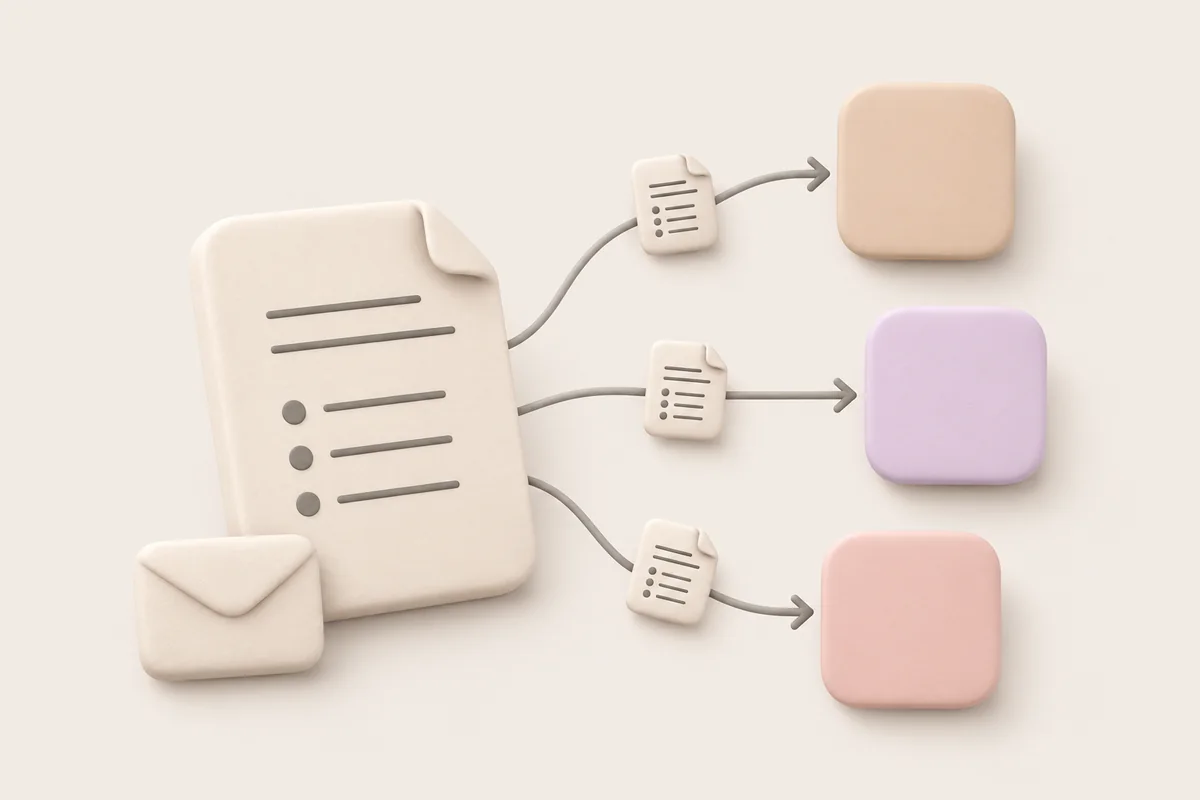
Email the report to everyone who was in the meeting in one click, or share a link. People at the agency can open it without an account.

After: The recap is in the agency's inbox a few minutes after the call ends.

The problem

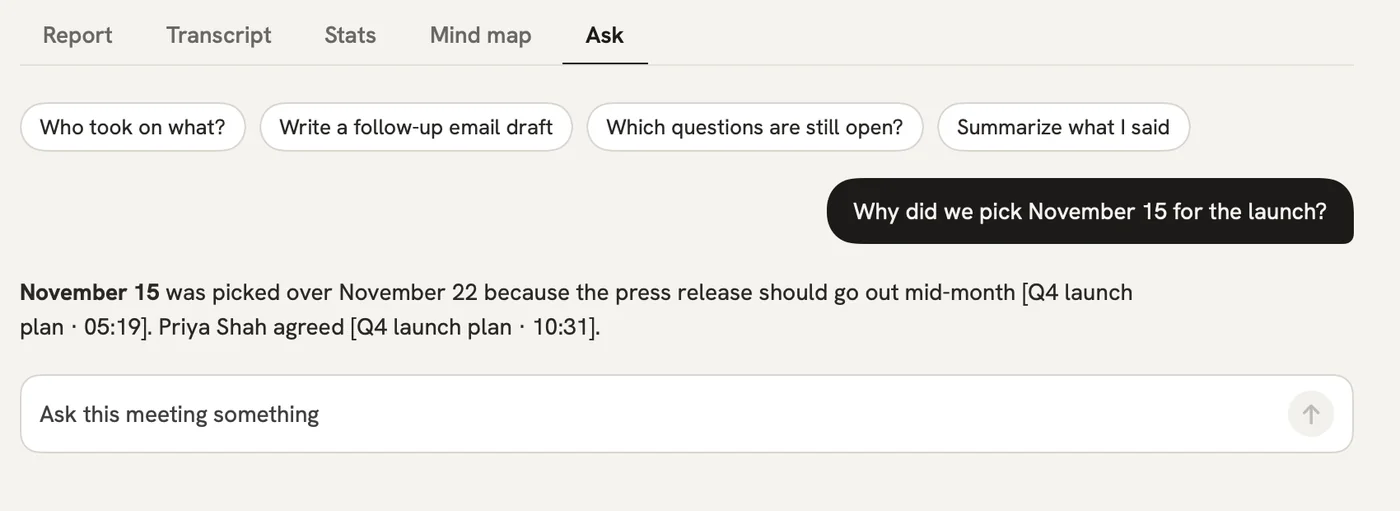
“Who approved this version of the visual, and what did they say?”

In qatip Ask

Ask your question in your own words across every meeting about the campaign. The answer shows the meeting where the approval happened and the moment it was given.

After: The sign-off argument is over in a minute.

Ask

A report could come with these sections

  1. 01Campaign goal
  2. 02Audience and key message
  3. 03Revision requests
  4. 04Approved

Every section comes from a template, and you can change it to fit your meetings.

You might be wondering

Will the agency see a bot in the call?

No. qatip records your computer's own sound, and the Chrome extension records Meet, Zoom and Teams calls in the browser. In Meet it can post a note in the chat saying the meeting is being recorded.

Can reports go to Slack or Notion on their own?

Yes, on Pro. Reports can be sent to Slack, Notion or Google Docs automatically after each meeting.

Do slides shared on screen end up in the report?

On Mac, yes. Slides shared on screen during a call can be captured into the report.

In your next meeting, just talk.

Start on the free plan, or try Pro free for 7 days. Cancel anytime.

Start free